Before I make a stupid mistake....

Collapse
X
 
  • Time
  • Show
Clear All
new posts
  • Gamerguy X

    #31
    Re: Before I make a stupid mistake....

    Alright, with your help I have come up with this.

    Motherboard DFI LANPARTY nF4 SLI-DR Socket 939 NVIDIA nForce4 SLI ATX AMD Motherboard - Retail

    Case:
    Antec Performance I P180 Silver Steel ATX Mid Tower Computer Case - Retail

    CD/DVD Drive:
    NEC Beige IDE DVD Burner Model ND-3550A - OEM

    Hard Drive
    Western Digital Caviar RE WD1600SD 160GB 7200 RPM Serial ATA150 Hard Drive - OEM

    System Memory
    G.SKILL 2GB (2 x 1GB) 240-Pin DDR2 SDRAM DDR2 533 (PC2 4200) Unbuffered System Memory Model F2-4200PHU2-2GBLA - Retail

    LCD Monitor
    VISON V1721B Black 17" 12ms LCD Monitor - Retail

    Operating System
    Microsoft Windows XP Home With SP2 - OEM

    Power Supplies
    Antec TRUEPOWERII TPII-550 ATX12V 550W Power Supply - Retail

    Processor
    AMD Athlon 64 3700+ San Diego 1GHz HT Socket 939 Processor Model ADA3700BNBOX - Retail

    Speaker
    Logitech X-230 32 Watts RMS 2.1 Speaker - OEM

    Video Card
    eVGA 256-P2-N516 Geforce 7800GT 256MB GDDR3 PCI Express x16 Video Card - Retail


    Any way to make this cheaper without affecting it too much? It is now 1,685.30....if I could get thtis to 1500 that would be amazing.
    Comment

    • LoD

      #32
      Re: Before I make a stupid mistake....

      On a $1600 budget you need the following, i like what knghtwhosaysni laid out. His recommendation is very solid. Things to keep in mind:

      -2GB value ram, get cheap stuff from a name brand like corsair, mushkin, ocz, micron, kingston etc... horrible value spending big bucks on "extreme ram" get the cheap stuff

      -Get a lowend single core, or spring for an X2 3800+, there isnt much value in spending big money on a processor, a 3200+ or X2 3800+ are what you want to look at.

      -Graphics card is your biggest friend here, when it comes to gaming. a 7800GT is both a good value and almost as fast as the fastest cards out there. Its being replaced in a month by the 7900GT, but right now its an example of what you want to get. Never the top of the line, but usually not a mid range card. With a budget like yours you want one or two steps away from the top.

      The X1900XT is an excellent card, but probably out of your price range, if so the 7900GT will be an awesome $300 card when it comes out in a matter of weeks.

      -Motherboard, i would advise against the DFI motherboard. They are kick ass mobo's but for a first timer, do not get it, too many potential headaches. Also stay away from SLI unless you really need/want it. In my opinion SLI is a niche product for those that need super high end performance. Typically two previous generation cards are still slower than 1 single next gen card. This has been the case with the last two generations of SLI, and ONLY when you are running very high resolutions 1600x1200 or higher with lots of AA and AF does SLI have any sort of value.

      If your going with a 17" monitor, something thats probably restricted to 1280x1024... SLI is not a good choice, the low resolution will bottleneck you. Spend your money on a low end SLi board, or an NF4 Ultra board. I like the Asus SLI premium board, or some of the Epox or even DFI NF4 ultra boards. $180 bucks for a mobo is a little extreme, and i would be hesitant going with that choice, the Asus SLi premium is a solid board that *happens* to have SLi functionality, thats why its a good choice.

      -Powersupply, get a good name brand, Enermax, Fortron, Antec, PC power and cooling. Stay away from the bling bling power supplies with neo lights and other unneeded crap. Your going to want to spend $65-$100 on an powersupply, in the 450-550watt range. Wattage is not as important as amps volts and the quality of the manufacturer. Stay away from case & PSU combos for $50.... lol those are a bad deal all around.

      -Case get something solid that has good asthetics, but make sure it has enough room, for your first build you dont want it cramped.

      Comment

      • Gamerguy X

        #33
        Re: Before I make a stupid mistake....

        ^^ See my above post.

        I will tkae your advice about the motherboard. What would be most compatible with my other choices, but be very good for a first timer like me?

        And whats SLI?

        Comment

        • knghtwhosaysni

          #34
          Re: Before I make a stupid mistake....

          SLI stands for Scalable Link Interface... it allows you to use two graphics cards of the same model (such as 2 7800gt's) at the same time. It raises performance anywhere between 50-75%, but really its only for people who want to play a super high resolutions at max settings. And it's only for nvidia cards. ATI cards use a different setup to run two graphics cards at one time.
          Iv'e only heard good reviews about the DFI Lanparty boards, but I guess its not so. Yeah, you could very well go with a different cheaper board and a 3200+ processor and overclock it. They are supposed to overclock really well.
          Just make sure that the motherboard has a PCI express video card slot and a 939 socket for the processor... maybe someone can make some specific suggestions for you.

          Comment

          • Gamerguy X

            #35
            Re: Before I make a stupid mistake....

            Dont need it becuase I only have one graphics card (correct?). So could you guys recomend a different mothterboard then? A good (compatable) one for beginers, but one that doesnt cut off too much performance.

            Comment

            • LoD

              #36
              Re: Before I make a stupid mistake....

              In reply to your last post, drop the DDR2 memory. AMd is not compatible with it get the following:

              RAM: http://www.newegg.com/Product/Produc...82E16820231039
              $145

              CPU: http://www.newegg.com/Product/Produc...82E16819103572
              3200+ Venice
              $168

              Take the 3200+ or the X2, dont waste your time with an expensive single core chip.

              HDD: http://www.newegg.com/Product/Produc...82E16822144415
              Similar drive and cheaper to boot!
              $77

              PSU: The antec is a fine choice, but if you want to save more money

              $67


              COMBO DEAL OF THE DAY! WEEEEEEE


              Get this 7800GT and get a free SLi motherboard

              $350 for both, its a good deal and if your not waiting for the 7900GT its the best bet to save yourself a ton of cash.


              -Monitors, They are very subjective but i will say a sub $200 LCD screen scares me, you should do more research into this, and make sure your monitor has a DVI port. I havnt heard of this brand and im scared.:hmm: You dont want an analog LCD screen.

              Comment

              • LoD

                #37
                Re: Before I make a stupid mistake....

                Originally posted by knghtwhosaysni
                SLI stands for Scalable Link Interface... it allows you to use two graphics cards of the same model (such as 2 7800gt's) at the same time. It raises performance anywhere between 50-75%, but really its only for people who want to play a super high resolutions at max settings. And it's only for nvidia cards. ATI cards use a different setup to run two graphics cards at one time.
                Iv'e only heard good reviews about the DFI Lanparty boards, but I guess its not so. Yeah, you could very well go with a different cheaper board and a 3200+ processor and overclock it. They are supposed to overclock really well.
                Just make sure that the motherboard has a PCI express video card slot and a 939 socket for the processor... maybe someone can make some specific suggestions for you.

                yeah the DFI kick ass, i have one, but they have some minor compatibility issues with memory, corsair in particular, and their bios' have a gazillion settings that could confuse a first timer. Also they have options like motherboard switches that add more voltage to the RAM etc... things the Op doesnt need.

                Comment

                • knghtwhosaysni

                  #38
                  Re: Before I make a stupid mistake....

                  Originally posted by twsmit
                  In reply to your last post, drop the DDR2 memory. AMd is not compatible with it get the following:

                  RAM: http://www.newegg.com/Product/Produc...82E16820231039
                  $145

                  CPU: http://www.newegg.com/Product/Produc...82E16819103572
                  3200+ Venice
                  $168

                  Take the 3200+ or the X2, dont waste your time with an expensive single core chip.

                  HDD: http://www.newegg.com/Product/Produc...82E16822144415
                  Similar drive and cheaper to boot!
                  $77

                  PSU: The antec is a fine choice, but if you want to save more money

                  $67


                  COMBO DEAL OF THE DAY! WEEEEEEE


                  Get this 7800GT and get a free SLi motherboard

                  $360 for both, its a good deal and if your not waiting for the 7900GT its the best bet to save yourself a ton of cash.


                  -Monitors, They are very subjective but i will say a sub $200 LCD screen scares me, you should do more research into this, and make sure your monitor has a DVI port. I havnt heard of this brand and im scared.:hmm: You dont want an analog LCD screen.
                  I do like the suggestions, but that PSU looks really iffy to me. Brand I have never heard [edit:um nvm...looks like it is a fairly good brand] of and only 400 watts (450 is recommended for a 7800gt). Even if the 12v rail has good amps, I don't think its wise to cut corners when it comes to the PSU.

                  Comment

                  • LoD

                    #39
                    Re: Before I make a stupid mistake....

                    Originally posted by knghtwhosaysni
                    I do like the suggestions, but that PSU looks really iffy to me. Brand I have never heard [edit:um nvm...looks like it is a fairly good brand] of and only 400 watts (450 is recommended for a 7800gt). Even if the 12v rail has good amps, I don't think its wise to cut corners when it comes to the PSU.
                    Its a good PSU brand, just not something you find in best buy. But yeah, nothing particularly wrong with the Antec, hell I have an antec, but the fortron is over 80% effeciency and thats top of the class for any PSU's out there. Its just one option to cut the cost, because right now his monitor is looking really weak and he is over budget.

                    Comment

                    • LoD

                      #40
                      Re: Before I make a stupid mistake....

                      This is the one i meant to go with actually...


                      much cheaper, and has strong 12v rails


                      EDIT: again this is a super cheap option that retains quality, but absolutely no bling, not even sleeved cables.

                      Comment

                      • Gamerguy X

                        #41
                        Re: Before I make a stupid mistake....

                        I took all your suggestions and I will post my final system later. I am just iffy about my processor. Is a 2 GHz the best to run BF2 on? It recomends 2.4 GHz? Should I go ahead and spend the extra to get my processor to 2.4? I would apreciate your opinions.


                        edit: and what about a dual core? they dont seem too expensive...currently the system price is at 1420, so I can afford u pgrading the processor a bit.

                        Comment

                        • knghtwhosaysni

                          #42
                          Re: Before I make a stupid mistake....

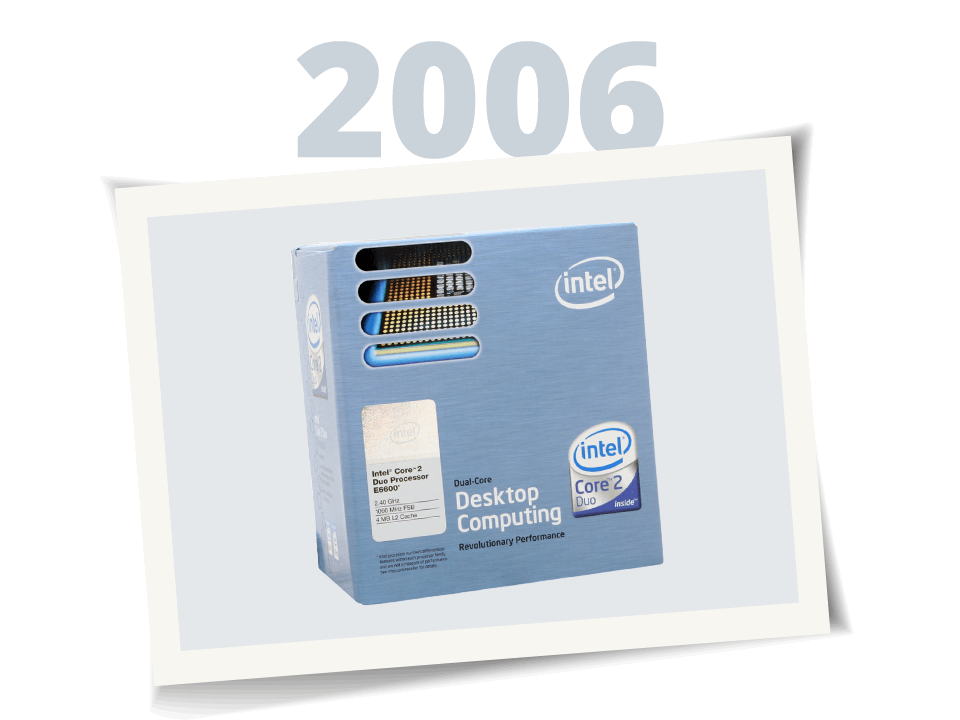
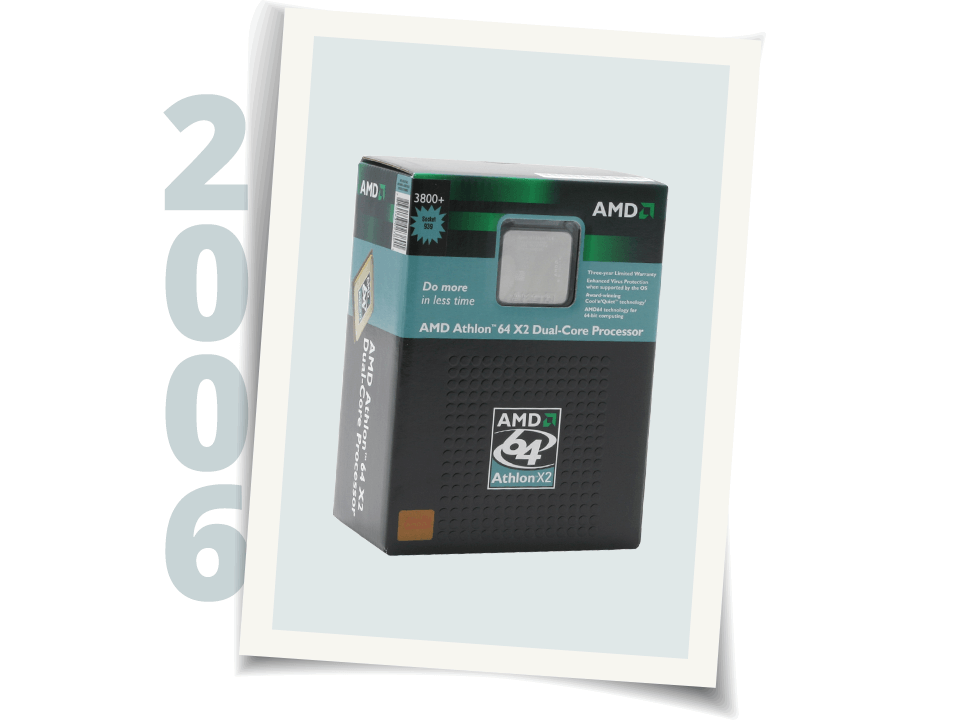
                          I would suggest upgrading to dual core if you have the money. Not too many games take advantage of it now, but by the end of the year I'm betting most will. An AMD 3800+ should do fine.
                          The thing about AMD's processors is that they run a lot better than Intel's P4 series, so they use their own rating system. For example, an AMD 3200+ is supposed to perform just as well as an Intel 3.2 ghz processor.

                          Comment

                          • papalatiolais

                            #43
                            Re: Before I make a stupid mistake....

                            if you can spare the dough go with the 2.4 ghz processor. i have a 2 ghz processor and it works fine with bf2. problem is why go with 2 gigs of ram if you're going to get a 2 ghz processor?

                            Comment

                            • Gamerguy X

                              #44
                              Re: Before I make a stupid mistake....

                              deal, ill give it a look.

                              edit: how well does BF2 support dual core AMD?

                              and what is wrong with 2 gigs of ram with a 2 ghz (ill probably get a 2.4ghz or a dual core)

                              Comment

                              • papalatiolais

                                #45
                                Re: Before I make a stupid mistake....

                                well i'm not exactly the computer expert myself..but it just won't do you a whole lot of good to have 2 gigs of ram if your processor can't keep up.

                                Edit- (any expert correct me if i'm wrong about that)

                                Comment

                                Working...