Computer freeze -> colored screen

Collapse
X
 
  • Time
  • Show
Clear All
new posts
  • jimykx
    No, I AM your father!
    • Jan 2010
    • 6640

    #1

    Computer freeze -> colored screen

    It is like the third time this has happened and it is starting to worry me. Two of those three times where today.

    So basically my computer freezes for 4 or 5 seconds and then the computer screen turns into a lot of colors, being the most part of them a pink/purple, with some blues and greens and some squares in the middle. It's not like they are solid colors, they seem to have some black horizontal lines in them and they do not show anything under them (I can't see whatever I was seeing through them)

    This crazy pink screen lasts for about a second and then it all turns black, forcing me to do a hard shutdown.
    Yeah, I'm scared as hell because we all know I'm probably facing some graphics card problem in here, but I don't even want to think about it. As most of you know I have a laptop so I can't replace the graphics card. College has started, there is no way I can afford a new computer right now, and I really need it, not just for work of course, but what scares me the most is if this issue blocks me from being able to game a little bit from time to time to kill the addiction
    Well, so far it has only happened when I am using Firefox, not when I am playing a game, but using the browser is what I do for most of the time lately, so I don't know.

    So, any ideas of what this might be?
  • Eagle101
    Master of Gaming
    • Jun 2007
    • 1198

    #2
    i may not be of much help, my laptop has a similar issue, what happens is when i turn it on the screen fudges up with several colored threads facing vertically and i have to restart, my friend opened up the laptop and said it has to do with the display from the inside is fudged, my best advice Jimy is take it to a specialist and not one of those rip off douches i mean take it to a real tech wiz who can dissect the laptop and find the root of the problem, i know its definitely hardware related.

    Comment

    • CptainCrunch
      I am the 1%
      • Oct 2007
      • 12976

      #3
      When this happens, hook up an external monitor and see if it does the same thing.

      It "sounds" like a heat issue with the video card. Hard to say for sure though. Youve had heat problems with that unit in the past. Check and make sure air is moving and that the intakes are not blocked.

      If all that is working fine and the external monitor also shows the colors then it may be a graphics issue, which is part of the motherboard most the time.
      Twitter: @CptainCrunch
      Battlelog/Origin: CptainCrunch

      Comment

      • jimykx
        No, I AM your father!
        • Jan 2010
        • 6640

        #4
        I find it hard to be a heat issue, since it's particularly cold where I am living right now (about 10 degrees, sometimes less), the laptop isn't hot at all, the temps I'm getting for the videocard are at about 48ºC, and I wasn't playing or doing anything intensive on it when it happened. Also yeah, the fan is working fine but I will make sure I check the insides of the computer next weekend as soon as I get home.

        When you say "which is part of the motherboard" you mean that the graphics card is together with the motherboard and there is no way of replacement right?

        Well, I wanted it to last at least till summer/the end of the college year

        Comment

        • Shawn Zipay
          Managing Communities 24/7
          • Apr 2003
          • 68986

          #5
          Sounds like a video card issue as others have said. 1. It could still be heat related even without playing a game. A lot of Firefox and most browsers have GPU accelerated rendering and thus use your GPU. I'd blow some compressed air into your vents to make sure it's cleared out as best as you can.

          2. Dying/Bad/Corrupt RAM on the GPU could also be a cause. No amount of compressed air will fix this.

          Comment

          • jimykx
            No, I AM your father!
            • Jan 2010
            • 6640

            #6
            Originally posted by Zips
            2. Dying/Bad/Corrupt RAM on the GPU could also be a cause. No amount of compressed air will fix this.
            So what would?

            Comment

            • Shawn Zipay
              Managing Communities 24/7
              • Apr 2003
              • 68986

              #7
              A new laptop. At the very least, a new motherboard. Chances are your GPU is integrated into the motherboard since you said it was a laptop.

              Comment

              • jimykx
                No, I AM your father!
                • Jan 2010
                • 6640

                #8
                YEah, It is. The problem is, I wanted to build a new desktop this summer. If the laptop doesn't last till then I'll be forced to buy a new laptop instead of getting the desktop.

                Comment

                • CptainCrunch
                  I am the 1%
                  • Oct 2007
                  • 12976

                  #9
                  Its not always integrated, but usually.

                  Get some diagnostics and test the RAM and system.
                  Twitter: @CptainCrunch
                  Battlelog/Origin: CptainCrunch

                  Comment

                  • jimykx
                    No, I AM your father!
                    • Jan 2010
                    • 6640

                    #10
                    Originally posted by CptainCrunch View Post
                    Its not always integrated, but usually.

                    Get some diagnostics and test the RAM and system.
                    Do you recommend a certain software? Or should I just search on for something generic

                    Comment

                    • CptainCrunch
                      I am the 1%
                      • Oct 2007
                      • 12976

                      #11
                      What is your system?
                      Twitter: @CptainCrunch
                      Battlelog/Origin: CptainCrunch

                      Comment

                      • jimykx
                        No, I AM your father!
                        • Jan 2010
                        • 6640

                        #12
                        Asus n51vf

                        Windows 7 64bits home premium
                        Nvidia 130m GT
                        Intel Core duo T9550 2.66ghz
                        4gb ram

                        Comment

                        • CptainCrunch
                          I am the 1%
                          • Oct 2007
                          • 12976

                          #13
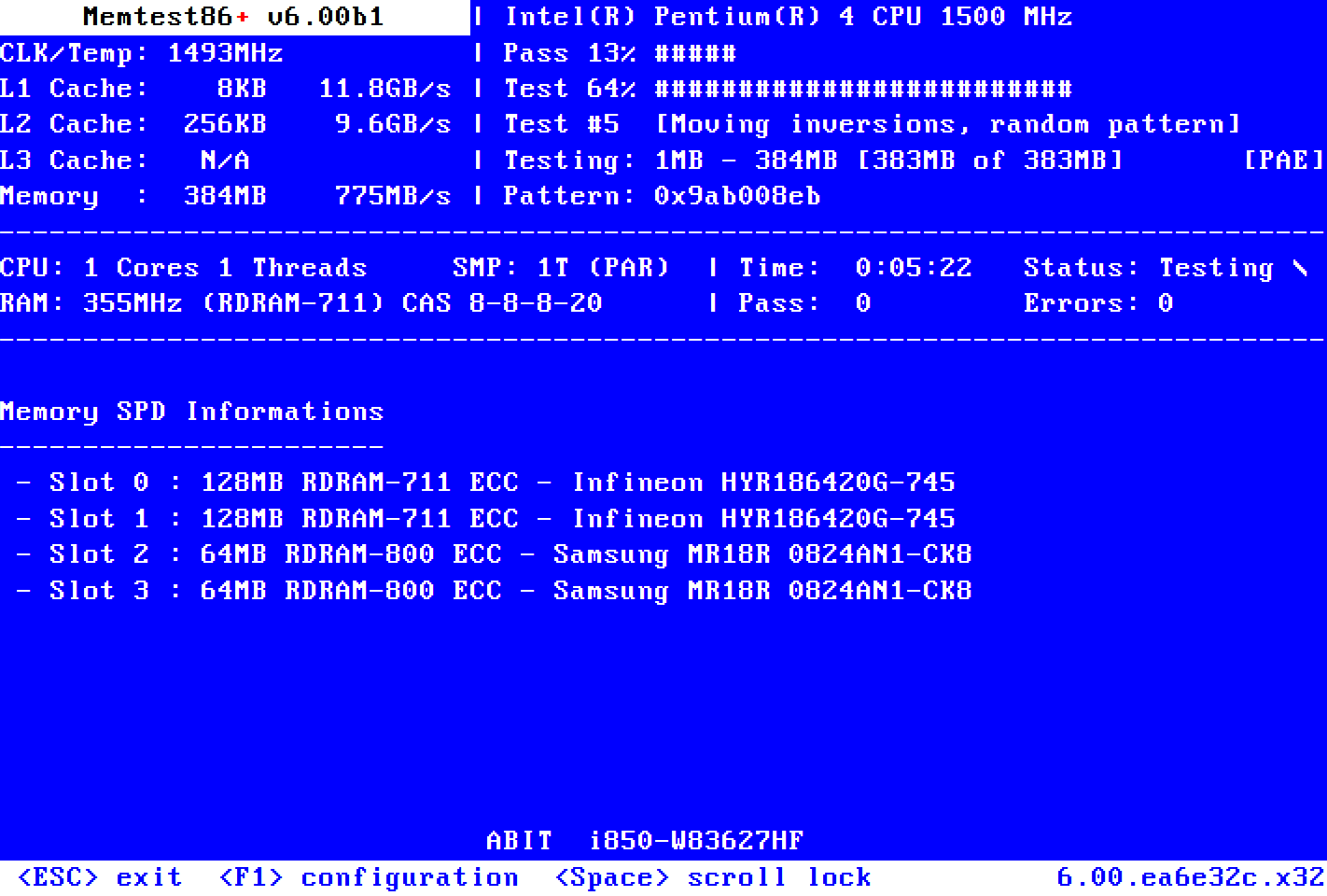
                          This site has a good memory tester:
                          Memtest86+ is an advanced, free, open-source, stand-alone memory tester for 32- and 64-bit computers (UEFI & BIOS supported)


                          Asus didnt have any utilities to troubleshoot. You can also check who makes your hard drive and go to the website and download diagnostic tools.

                          Dont think you have a hard drive problem though.
                          Twitter: @CptainCrunch
                          Battlelog/Origin: CptainCrunch

                          Comment

                          Working...