Unbelievable performance problems!

Collapse
X
 
  • Time
  • Show
Clear All
new posts
  • BPCrusher01
    Member
    • Mar 2006
    • 470

    #31
    Does every stick of RAM have the same speed, manufacturer, part#, and serial #? Different timings on RAM can actually slow down a PC significantly.

    Check the BIOS release notes. Don't update the BIOS unless it actually addresses a problem you have. There is simply unnecessary risk otherwise, and it won't solve your problems.

    Comment

    • Berrern
      Member
      • Jul 2005
      • 585

      #32
      Originally posted by Trevortt View Post
      What PSU have you got and how much power does is have?
      I've got the Hiper Type-R Modular, with 580W power.
      I doubt it's the power supply, as things used to run smooth with this PSU, even with one more video card.

      Originally posted by BPCrusher01
      Does every stick of RAM have the same speed, manufacturer, part#, and serial #? Different timings on RAM can actually slow down a PC significantly.
      Yes, both my RAM sticks are exactly the same - and they're running in Dual Channel.

      Is there any type of software to "test" the different hardware?

      Comment

      • BPCrusher01
        Member
        • Mar 2006
        • 470

        #33
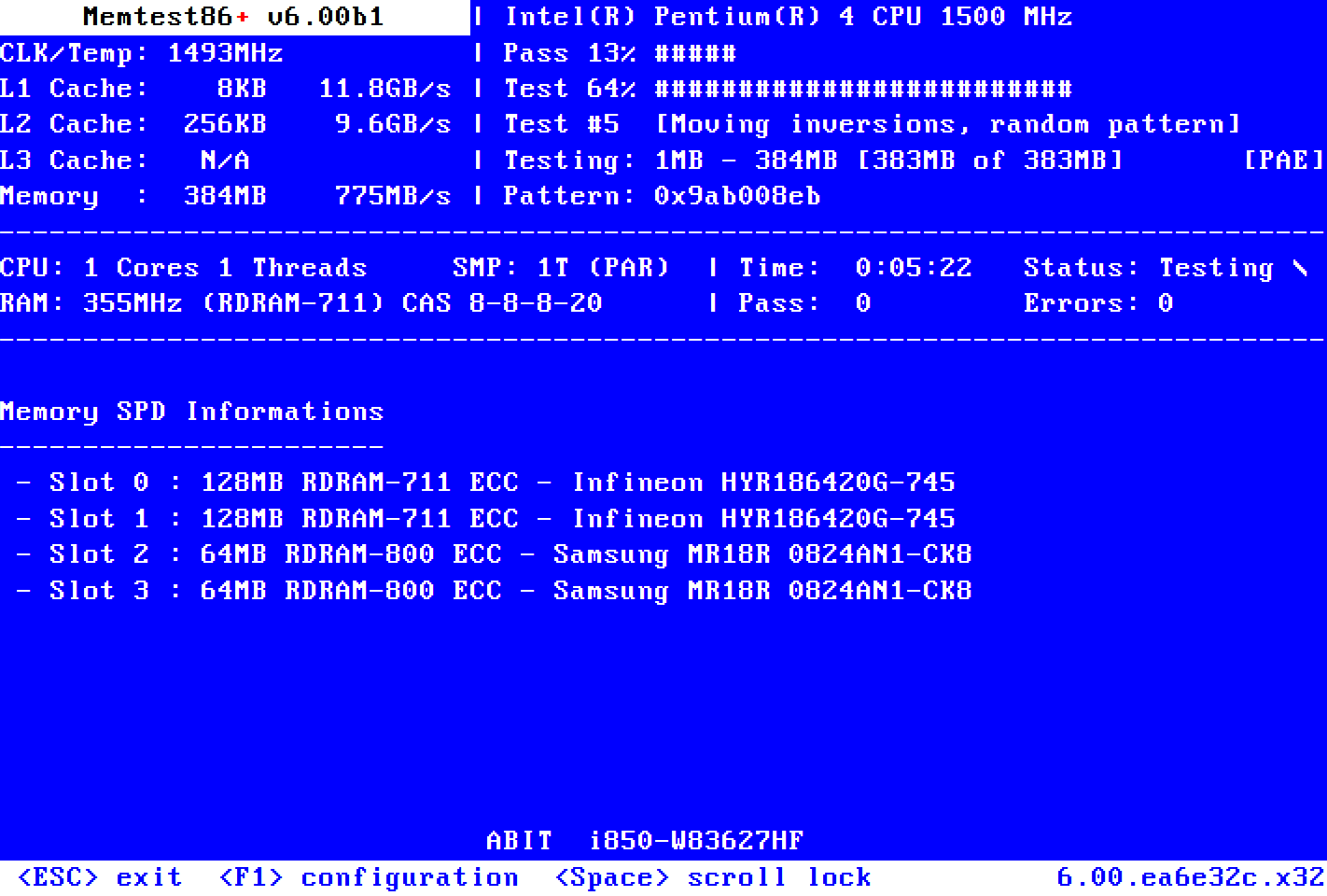
        Memtest86+ is an advanced, free, open-source, stand-alone memory tester for 32- and 64-bit computers (UEFI & BIOS supported)

        Download the .iso and burn the image to a blank disc. Boot from the disc and lets the tests run a few passes.

        Comment

        • Berrern
          Member
          • Jul 2005
          • 585

          #34
          A little update; I got my new case and chipset fan, and also mounted a new cooler on the 7800gt on which the fan was broken. Installed both graphic cards in SLi mode correctly, formatted and re-installed everything, and had another go at this. The result was exactly the same, no matter how low I adjusted my settings :shakehead

          Then, after a few weeks of being annoyed out of my mind, I suddenly remembered my 'old installation order' (back in the days), and I had forgotten ONE thing this time around. To update the OpenAL in BF2!
          As most people know, X-Fi and BF2 can result in severe problems, so I downloaded the latest OpenAL from Creative's Developers page, replaced the BF2Openal.dll file in the BF2 folder, and tried again.

          The game ran fluently! I upped the resolution to my 'old' 1280x1024, with every detail maxed out (AA 4x and AF 8x), and it still ran like a dream

          One week later, my new 42" Plasma TV arrived, and now I'm playing on that with 1920x1080@60Hz, full details, w/ AA 4x and AF 8x - and it's never been this smooth! And big! I love it, it's like playing a new game

          So - a very important tip to every X-Fi owner who experiences performance problems: Update the BF2 OpenAL driver!!

          Can't believe how long I struggled with this - when the solution was that simple...

          Thanks to everyone who did their best to help me out in this thread :)

          Comment

          • [Expletive Deleted]
            The Penetrator
            • Oct 2006
            • 2855

            #35
            So what did you do? Copy the new openal32.dll into the BF2 folder and rename it to BF2Openal.dll?
            I'm having some major performance issues even with my 8800GTS.

            Comment

            • Berrern
              Member
              • Jul 2005
              • 585

              #36
              Originally posted by Jimtool655321 View Post
              So what did you do? Copy the new openal32.dll into the BF2 folder and rename it to BF2Openal.dll?
              I'm having some major performance issues even with my 8800GTS.
              Do you have an X-Fi too?

              Here's exactly how I did it:
              1. Download the newest OpenAL version here. Installation takes just a second.
              2. Go to C:\Windows\System32\, and locate the file OpenAL32.dll.
              3. Copy the file to C:\Program Files\EA Games\Battlefield2
              4. Go to C:\Program Files\EA Games\Battlefield2.
              5. Rename the existing BF2Openal.dll to something like Openal.old
              6. Rename the copied OpenAL32.dll to BF2Openal.dll

              Hope it works as good for you as it did for me!

              Comment

              Working...