Importing sprays

Collapse
X
 
  • Time
  • Show
Clear All
new posts
  • I-AM-J3ST3R
    Member
    • Jan 2007
    • 118

    #1

    Importing sprays

    Tried importing a spray that was just a .vtf file and it doesn't work.

    I heard that importing sprays was messed up, can someone else confirm this?

    This is the spray that I was wanting to use.
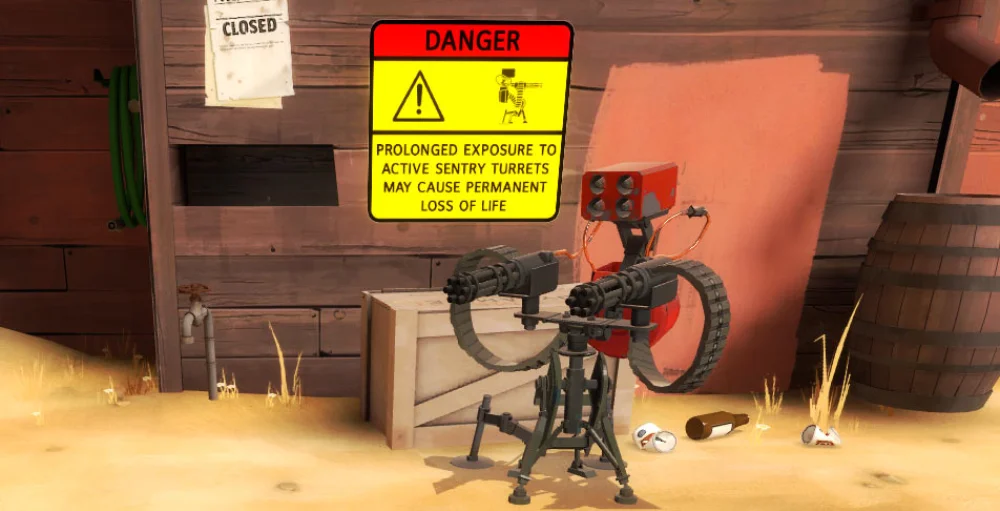
    A Team Fortress 2 (TF2) Spray in the Warning Signs category, submitted by Prospero and noobs!ncorporated


    Thanks in advance!
  • Hawkers
    beep beep'm beep beep yeh
    • May 2007
    • 7131

    #2
    Do you have any other Steam online games (CS:S, HL: D etc...) cause you can easily upload it using one of them, find it in the directory and copy it over to the the tf2 spray file!


    I copied mine to here
    C:\Program Files\Steam\steamapps\<steam login>\team fortress 2\tf\materials\VGUI\logos

    Comment

    • signa
      CS-Nation / TGN Staff
      • Dec 2004
      • 4191

      #3
      Download the spray to your desktop. run TF2 and in multiplayer options, try importing the spray. (it will seem to have worked but it didnt). now manually copy the file to this directory:

      \Program Files\Steam\steamapps\username\team fortress 2\tf\materials\VGUI\logos\

      you may have to create the last 1 or 2 directories.
      "Crunch's First Officer"
      twitter: @signaprime

      Comment

      • I-AM-J3ST3R
        Member
        • Jan 2007
        • 118

        #4
        I finally got it working after using VTFedit. Started making my own now. :)

        Comment

        • Hawkers
          beep beep'm beep beep yeh
          • May 2007
          • 7131

          #5
          :laugh: nice one,
          btw. how did you get it to work, just for others with the problem?

          Comment

          • Vreki
            Senior Member
            • Oct 2007
            • 4226

            #6
            Try this guide

            Comment

            Working...