how to take screenshot

Collapse
This topic is closed.
X
X
 
  • Time
  • Show
Clear All
new posts
  • abes16

    #1

    how to take screenshot

    sorry guys i'm new and you've probably heard this hundreds of times
    but how do u take screenshot while playing bf2
  • margav

    #2
    Re: how to take screenshot

    prtscr
    appears in your documents bf2 folder

    Comment

    • Scinto
      Retired TGN *****
      • Mar 2006
      • 5387

      #3
      Re: how to take screenshot

      fraps..

      Comment

      • ConscriptVirus
        Member
        • Oct 2007
        • 6369

        #4
        Re: how to take screenshot

        hit printscreen and then ur photos are located in

        C:\Documents and Settings\Name \My Documents\Battlefield 2\Screenshots

        Comment

        • DarkyShines

          #5
          Re: how to take screenshot

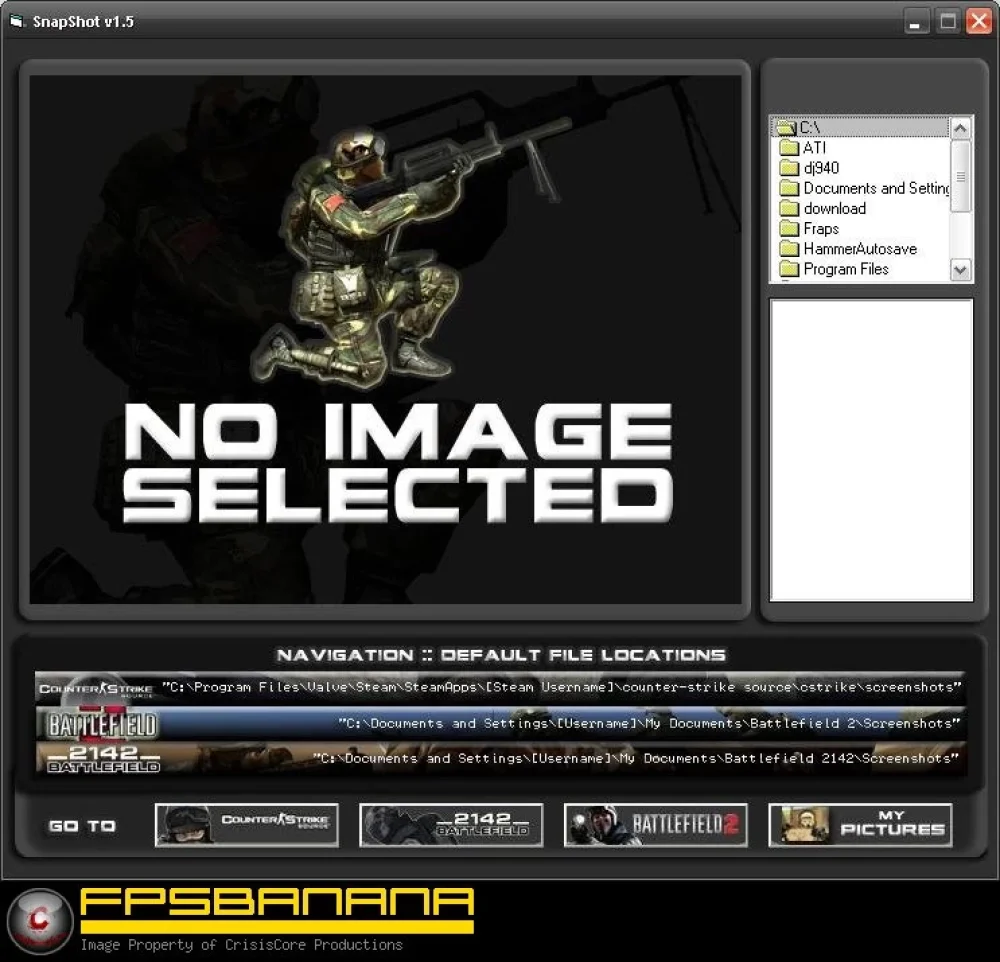
          My program finally comes in handy:

          A GameBanana (GB) Modding Tool in the Other/Misc category, submitted by Crisis

          Comment

          • ichangedmyname

            #6
            Re: how to take screenshot

            Xfire

            Scroll Lock S

            Yes I wanna upload

            Share

            Copy BB

            Paste

            You have now taken, uploaded, and shared a screenshot.

            Cheers

            Comment

            • chief.kaiser

              #7
              Re: how to take screenshot

              fraps is good as it lets you record videos and shows your frames per second aswell

              Comment

              • Kodakk
                Member
                • Oct 2006
                • 3486

                #8
                Re: how to take screenshot

                Print Screen is the easiest lol

                Comment

                • SJB

                  #9
                  Re: how to take screenshot

                  Originally posted by 'dL//Aeriald View Post
                  Print Screen is the easiest lol
                  yeah then paste into paint or cs3

                  but fraps is good

                  Comment

                  • Dead1nside

                    #10
                    Re: how to take screenshot

                    Originally posted by chief.kaiser
                    fraps is good as it lets you record videos and shows your frames per second aswell
                    Just use "renderer.drawFps 1" for fps count. Using FRAPS for this, will actually slow your frame rate to a degree.

                    Comment

                    • Sike
                      Member
                      • Jun 2006
                      • 1742

                      #11
                      Re: how to take screenshot

                      Originally posted by Goldleader101 View Post
                      yeah then paste into paint or cs3

                      but fraps is good
                      err, no u go to ur SS folder in bf2 folder in "My Documents"

                      Comment

                      • Spik3d
                        Member
                        • Feb 2006
                        • 4890

                        #12
                        Re: how to take screenshot

                        I take screenshots with X-Fire, binded it to "Print Screen," un-binded screenshots completely in BF2. http://www.xfire.com/

                        Comment

                        • lewdis
                          Member
                          • Aug 2007
                          • 226

                          #13
                          Re: how to take screenshot

                          Just use print-screen it saves you the download of fraps or xfire or any other program

                          Comment

                          • Gen.Vlade

                            #14
                            Re: how to take screenshot

                            Yeah, hit print-screen on your keyboard. Did I mention that you can do it with print-screen.

                            Comment

                            • =98=
                              Member
                              • Oct 2006
                              • 10299

                              #15
                              Re: how to take screenshot

                              I think he's got the point...

                              Basically, press the "PrtScrn" button and after you have finished, check the folder found in

                              My documents -> Battlefield 2 -> Screenshots.

                              There will be a high resolution version (.png) and a lower resolution one (.jpeg)

                              Sorted!

                              Comment

                              Working...