No Packet Flow ! ? ! ? !

Collapse
X
 
  • Time
  • Show
Clear All
new posts
  • BIGkingDONG

    #1

    No Packet Flow ! ? ! ? !

    :salute:

    keep geting kicked VIA punkbuster with error _ " no packet flow " _

    what the problem and how can i fix it . coz i stoped playing BF2142 coz of a punkbuster error all time .and dont wont to stop playing BF2 cpz of punkbuster .

  • =98=
    Member
    • Oct 2006
    • 10299

    #2
    Re: No Packet Flow ! ? ! ? !

    Open all the correct ports on your router (They are found in the back of the BF2 booklet), and make sure that your firewalll is either off, or set up to allow BF2 through.

    Comment

    • DeadCRAP_
      TotalBF2 NEVER FORGET
      • Oct 2006
      • 897

      #3
      Re: No Packet Flow ! ? ! ? !

      also, head over to totalbf2142 and they have a thread about the punbuster services....

      Comment

      • kulamonster3

        #4
        Re: No Packet Flow ! ? ! ? !

        Check you Security Settings!!!!
        Make sure you are not running a firewall, and if you really really really insist on running one make sure all the ports needed for BF2 and BF2142 are open!

        From EA support:
        "You must configure your router/firewall to have the game's ports open in order to connect to the servers properly. The ports for Battlefield 2 are as follows:

        UDP ports:
        * 27900 - 27901
        * 29900
        * 29910
        * 55123 - 55215
        * 16567
        * 1500-4999

        TCP ports:
        * 80
        * 29900 - 29901
        * 29920
        * 28910
        * 4711

        I don't have the ports for BF2142!! Sorry

        Also make sure you have the latest update of PunkBuster!!!

        Good Luck

        Comment

        • BIGkingDONG

          #5
          Re: No Packet Flow ! ? ! ? !

          Originally posted by DeadCRAP_
          also, head over to totalbf2142 and they have a thread about the punbuster services....
          thanks

          Originally posted by kulamonster3
          Check you Security Settings!!!!
          Make sure you are not running a firewall, and if you really really really insist on running one make sure all the ports needed for BF2 and BF2142 are open!

          From EA support:
          "You must configure your router/firewall to have the game's ports open in order to connect to the servers properly. The ports for Battlefield 2 are as follows:

          UDP ports:
          * 27900 - 27901
          * 29900
          * 29910
          * 55123 - 55215
          * 16567
          * 1500-4999

          TCP ports:
          * 80
          * 29900 - 29901
          * 29920
          * 28910
          * 4711

          I don't have the ports for BF2142!! Sorry

          Also make sure you have the latest update of PunkBuster!!!

          Good Luck
          how can i get to ruter setings

          Comment

          • BIGkingDONG

            #6
            Re: No Packet Flow ! ? ! ? !

            Originally posted by godsANGER
            thanks


            how can i get to ruter setings
            HELP ???? ruter settings ?

            SORRY 4 DUBBLE POST !

            Comment

            • =98=
              Member
              • Oct 2006
              • 10299

              #7
              Re: No Packet Flow ! ? ! ? !

              What router you got?

              Comment

              • BIGkingDONG

                #8
                Re: No Packet Flow ! ? ! ? !

                NETGEAR
                _ 108mbps wireless firewall router WGT624 v2 _

                but iam hardwired to it not useing wireless, wireless is for other room .

                :shoot:

                Comment

                • =98=
                  Member
                  • Oct 2006
                  • 10299

                  #9
                  Re: No Packet Flow ! ? ! ? !

                  Open CMD (command console), and type in ipconfig /all.

                  Find the default gateway of the connection you are using (mine is 192.168.2.1)

                  Type whatever your number is into the address bar of your browser.

                  Tell me if that works.

                  Comment

                  • BIGkingDONG

                    #10
                    Re: No Packet Flow ! ? ! ? !

                    Originally posted by alex98uk
                    Open CMD (command console), and type in ipconfig /all.

                    Find the default gateway of the connection you are using (mine is 192.168.2.1)

                    Type whatever your number is into the address bar of your browser.

                    Tell me if that works.

                    got it up :salute:
                    .which part do u add them to?

                    Comment

                    • =98=
                      Member
                      • Oct 2006
                      • 10299

                      #11
                      Re: No Packet Flow ! ? ! ? !

                      Visit here now:

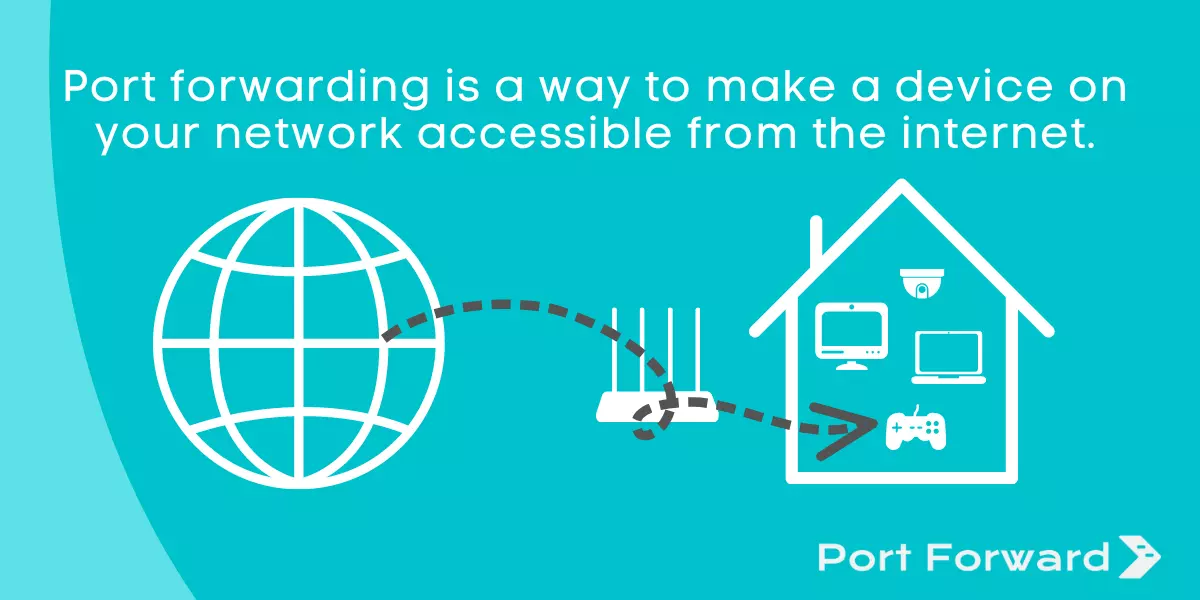
                      An explanation of port forwarding and the necessary steps to set up port forwarding in your router.

                      Comment

                      • BIGkingDONG

                        #12
                        Re: No Packet Flow ! ? ! ? !

                        Originally posted by alex98uk
                        Visit here now:

                        http://portforward.com/
                        thanks well email you if i have any more porblems .
                        thanks Alex

                        Comment

                        • Lamri35UK

                          #13
                          Re: No Packet Flow ! ? ! ? !

                          Originally posted by alex98uk
                          Open CMD (command console), and type in ipconfig /all.

                          Find the default gateway of the connection you are using (mine is 192.168.2.1)

                          Type whatever your number is into the address bar of your browser.

                          Tell me if that works.
                          when I do that I get an unable to connect message :cry:

                          Comment

                          • =98=
                            Member
                            • Oct 2006
                            • 10299

                            #14
                            Re: No Packet Flow ! ? ! ? !

                            Well, the default gateway internal IP address is usually the address of the software to use it. However, this is not always the case. Some routers use different addresses and some use separate software. What router you got?

                            Comment

                            • Lamri35UK

                              #15
                              Re: No Packet Flow ! ? ! ? !

                              Just using a cable modem mate, a Scientific Atlanta jobby from Virgin Media

                              Comment

                              Working...