
Hi,
After great advice here yesterday I managed to get BF2 co-op working single player. Also, I can play with my friend via the net in Co-op when he acts as a server.
Thing is,
I am the one with a dedicated server and cannot get him to connect to it.
Ive decided to leave the dedicated server off and just use my PC yet he still can't connect.
I have my PC on a home network behind a router/gateway and have turned Zone alarm off
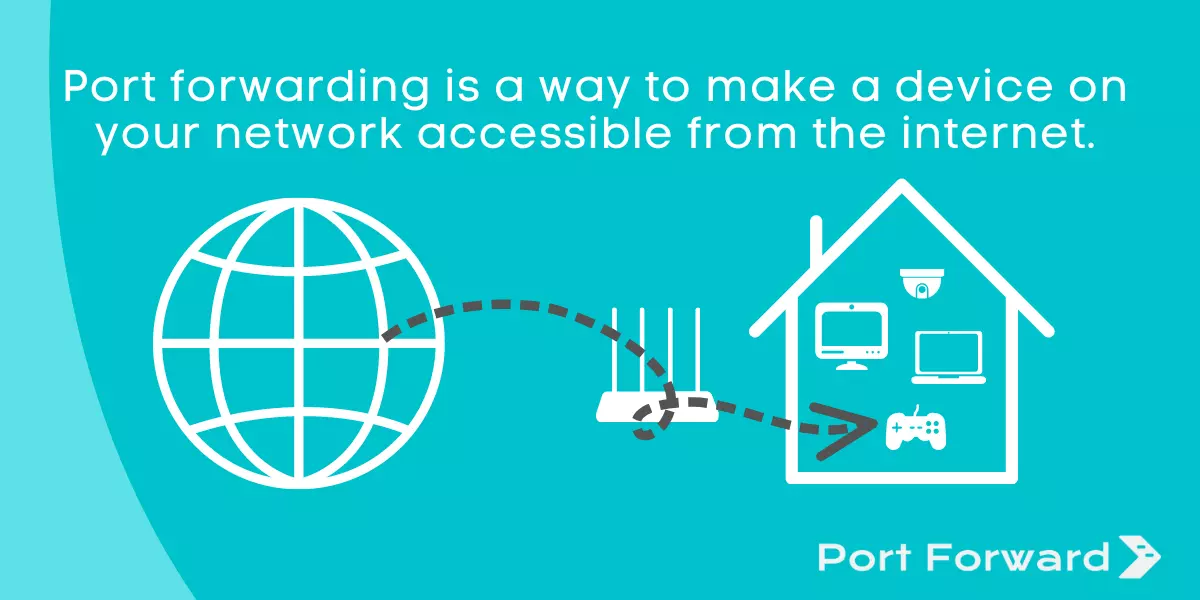
I have port forwarded the following ports and still nothing.
BF2 TCP 80 192.168.1.5 80
BF2 TCP 4711 192.168.1.5 4711
BF2 TCP 29901 192.168.1.5 29901
BF2 UDP 28910 192.168.1.5 28910
BF2 UDP 16567 192.168.1.5 16567
BF2 UDP 55123 - 55125 192.168.1.5 55123 - 55125
BF2 UDP 1500 - 4999 192.168.1.5 1500 - 4999
BF2 TCP/UDP 1024 - 1124 192.168.1.5 1024 - 1124
BF2 UDP 27901 192.168.1.5 27901
BF2 TCP/UDP 27900 192.168.1.5 27900
BF2 UDP 29900 192.168.1.5 29900
BF2 UDP 27900 192.168.1.5 27900
BF 2 TCP/UDP 29900 192.168.1.5 29900
I would be more than gratefull if anyone knows of a solution.
Mickey
After great advice here yesterday I managed to get BF2 co-op working single player. Also, I can play with my friend via the net in Co-op when he acts as a server.
Thing is,
I am the one with a dedicated server and cannot get him to connect to it.
Ive decided to leave the dedicated server off and just use my PC yet he still can't connect.
I have my PC on a home network behind a router/gateway and have turned Zone alarm off
I have port forwarded the following ports and still nothing.
BF2 TCP 80 192.168.1.5 80
BF2 TCP 4711 192.168.1.5 4711
BF2 TCP 29901 192.168.1.5 29901
BF2 UDP 28910 192.168.1.5 28910
BF2 UDP 16567 192.168.1.5 16567
BF2 UDP 55123 - 55125 192.168.1.5 55123 - 55125
BF2 UDP 1500 - 4999 192.168.1.5 1500 - 4999
BF2 TCP/UDP 1024 - 1124 192.168.1.5 1024 - 1124
BF2 UDP 27901 192.168.1.5 27901
BF2 TCP/UDP 27900 192.168.1.5 27900
BF2 UDP 29900 192.168.1.5 29900
BF2 UDP 27900 192.168.1.5 27900
BF 2 TCP/UDP 29900 192.168.1.5 29900
I would be more than gratefull if anyone knows of a solution.
Mickey
Comment