
I am having issues here with my computer of course. I don't know what is the matter with it. I was playing all night last night cod2 and nothing happened. Today I decided to play it early and my computer starts beeping. I believe it is something on my mobo which is some kind of warning. I don't know if its over heating or if its my gfx card.
I thought I would dust it off and it seems to have gotten worse. The idle system temp is about 27C and the CPU is about 60C which is a bit high I believe. When I was playing cod2 and came out, it was running around 80C which is ridiculous. This use to happen in the past as well, but then again it use to go away. It just seems to come out of the blue for some reason.
My System specs:
Intel 3.0 P4 with default heat sink
ABIT IC7 mobo (I unplugged the north bridge fan since it died, didn't replace with a new onew)
1 gig dual channel kingston ram
Audigy 2 ZS
ATI x800xL
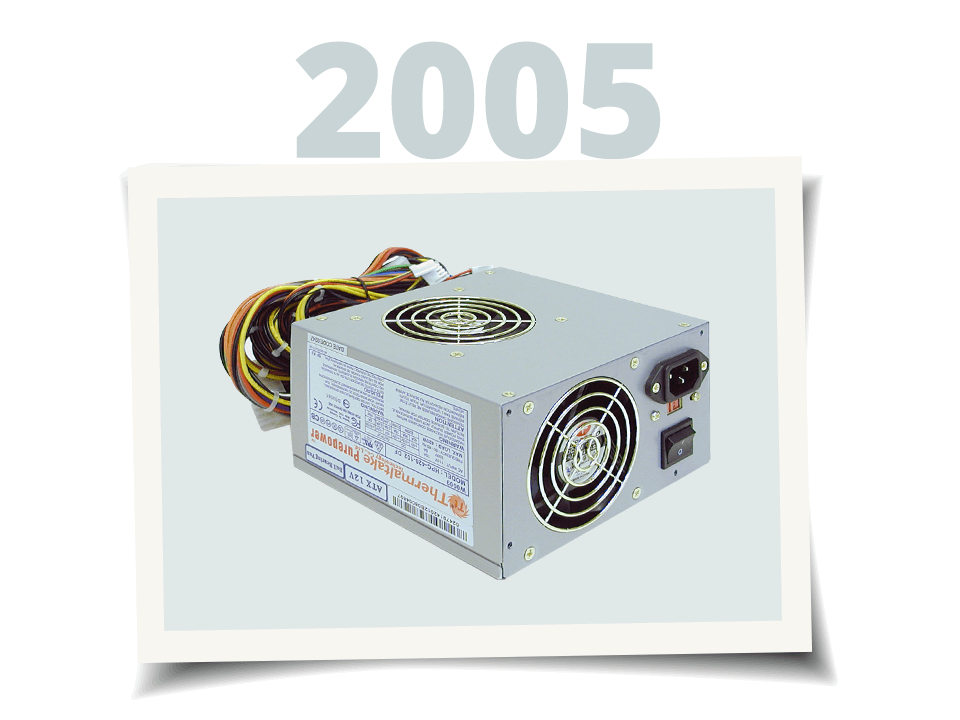
PSU is 300w I believe
So any help would be great. Thanks in advance.
-rahul
I thought I would dust it off and it seems to have gotten worse. The idle system temp is about 27C and the CPU is about 60C which is a bit high I believe. When I was playing cod2 and came out, it was running around 80C which is ridiculous. This use to happen in the past as well, but then again it use to go away. It just seems to come out of the blue for some reason.
My System specs:
Intel 3.0 P4 with default heat sink
ABIT IC7 mobo (I unplugged the north bridge fan since it died, didn't replace with a new onew)
1 gig dual channel kingston ram
Audigy 2 ZS
ATI x800xL
PSU is 300w I believe
So any help would be great. Thanks in advance.
-rahul
 ).
).
Comment