
For some reason one of the processes is taking all of the cpu usage. the process name is "svchost.exe" and its a system process. also this process ties into the sound driver because i had music running before i ended it (tested this theiroy, i don't normaly have music on when booting). also the system gets a little unstable when i end that spicific process.
-
-
Re: Cpu maxing out for no reason
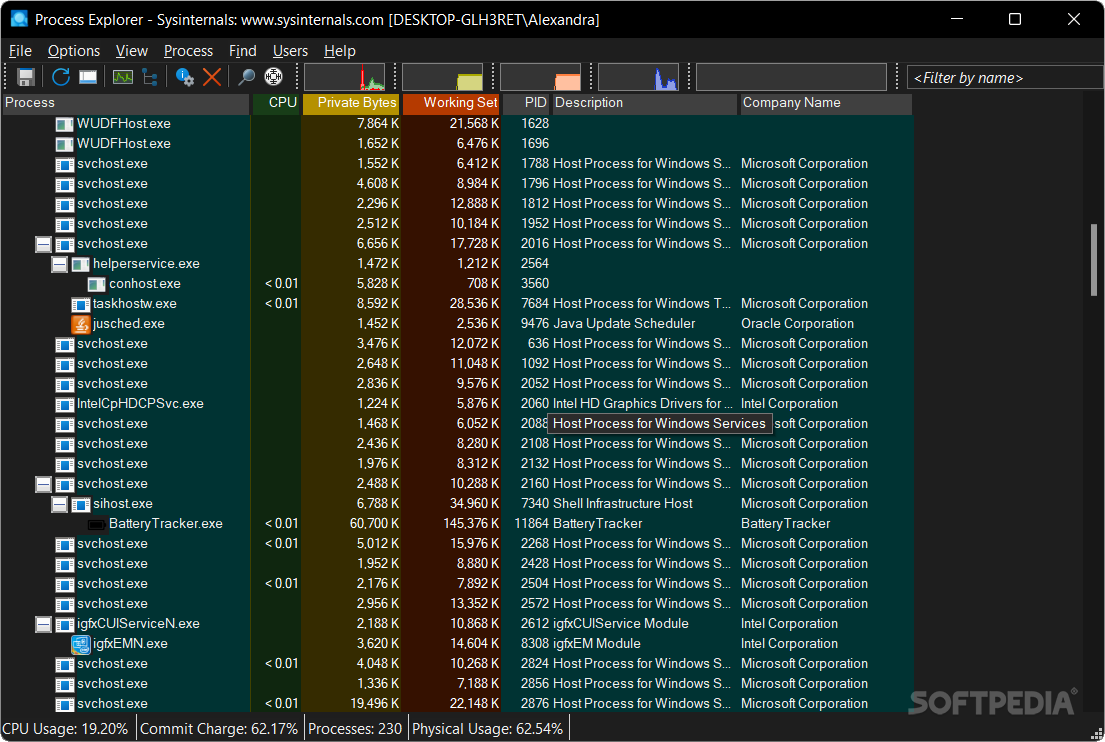
Go get this handy little utility its like Task Manager but gives alot more info on the processes that are running.
Process Explorer
-
Re: Cpu maxing out for no reason
ok i found the thread that was using up all of the cpu power.
"ntdll.dll!RtAllocateHeap+0x18c" don't know what this is. any body know?Comment
-
Re: Cpu maxing out for no reason
Looks like it's part of Windows Automatic Updates. I Googled and found:
Disabling Auto Updates seems to be the only known fix.Comment
-
This might not be the smartest idea but I just kill svchost.exe if it starts hogging CPU time like that. I haven't noticed any problems from doing that, and it usually just restarts.Comment
-

Comment