Upgrading my Computer help and advice Welcome

Collapse
X
 
  • Time
  • Show
Clear All
new posts
  • Uberness

    #1

    Upgrading my Computer help and advice Welcome

    My current computer is about 4 years old now and is starting to show its age, so I am trying to do research and find the best parts to use for a new computer and figure out how everything works and whats top of the line now adays and if the pieces will even work together.

    This is my first time trying to do this sort of thing so am trying to ask for advice from people who know about this and to help me out by telling me if the parts I'v chosen are any good or what there preferred parts might be that would be better then what I have picked out, Also to point out if I'v made any huge mistakes for somebody new at this.

    I am going to use the speakers and DELL monitor from my last computer, I don't believe there is much decay with age with these parts or am I wrong?

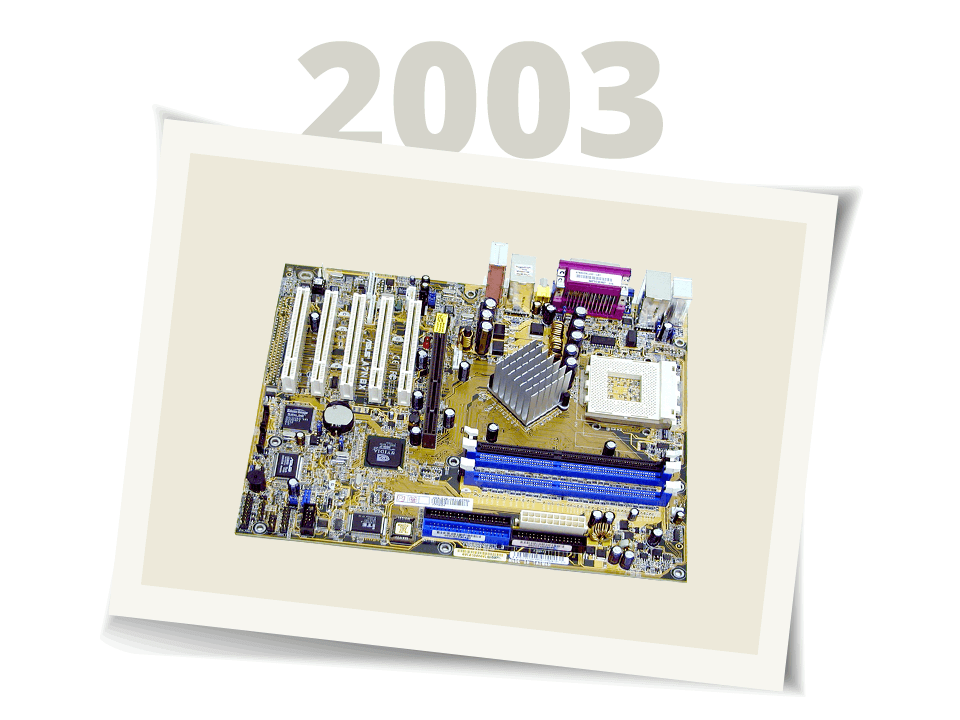
    I still haven't picked out a motherboard for the computer, I need to figure if it is compatible with all these other parts and it would help if you guys could recommend any that would work or which are top of the line these days.


    All the prices are from www.newegg.com

    The Case to put it all in
    Lian Li PC-V1000 computer case $180
    Review of the Case that got me interested


    Processor

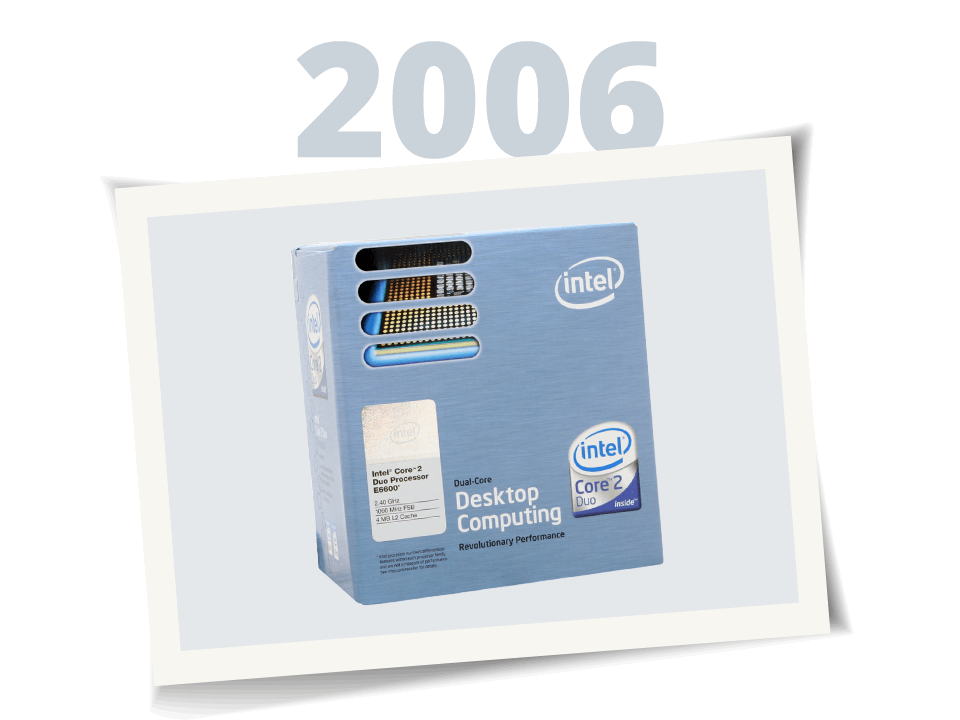
    Intel Core 2 Duo E6600 Conroe 2.4GHz 4M sharing L2 Cache LGA 775 Processor $315

    Memory

    CORSAIR XMS2 2GB (2 x 1GB) 240-Pin DDR2 SDRAM DDR2 800 (PC2 6400) Dual Channel Kit Desktop Memory $240 with rebate

    Heatsink and Fan

    ARCTIC COOLING Freezer 7 Pro CPU Cooler $30

    And trying to decide between these two graphic cards.

    eVGA 01G-P2-N592-AX Geforce 7950GX2 1GB 512-bit GDDR3 PCI Express x16 Dual GPU Video Card $495

    XFX PVT71UZDF9 Geforce 7950GX2 1GB 512-bit (256-bit x2) GDDR3 PCI Express x16 Xtreme Video Card $575


    Now I got to figure out what kind of power supply I will need for all this will 500W do or will I have to go higher? thinking between these


    RAIDMAX RX-630A ATX12V/ EPS12V 630W Power Supply 115/230 V CB, IEC, TUV, UL, CSA $109

    APEVIA (ASPIRE) ATX-CW500WP4 ATX 500W Power Supply 115/230 V UL, CSA, TUV, CE $40


    Hard Drives
    Internal

    Western Digital Caviar SE16 WD5000KS 500GB 7200 RPM 16MB Cache SATA 3.0Gb/s Hard Drive - OEM $180

    External

    Western Digital Extreme Lighted WDXC2500JBRNN 250GB 7200 RPM 8MB Cache USB 2.0 / IEEE 1394a External Hard Drive $120

    Total: $1425-$1560 without shipping or any extra fees


    Thanks in advance for any help.
  • imported_Mrt1989

    #2
    Re: Upgrading my Computer help and advice Welcome

    Hmm i suggsest you to get a good prand PSU . Antec, Epsilon, Enermax,OCZ -600w

    Comment

    • Corkum
      Member
      • Oct 2006
      • 639

      #3
      Re: Upgrading my Computer help and advice Welcome

      first, i dont think you need an external drive and second, get a raptor, 10k is the way to go.

      also, i didnt see any motherboard are rom drives on there, dont forget xp will cost you about a hundred buck on top of everything else.

      Comment

      • FingolfinKing

        #4
        Re: Upgrading my Computer help and advice Welcome

        Get the cheaper GFX card...it'll do anything you want it to anyway. I wouldn't be too miffed about being able to do 1001 FPS compared to 1000.

        Comment

        • knghtwhosaysni

          #5
          Re: Upgrading my Computer help and advice Welcome

          What is the resolution on your monitor? You may not need such a beastly video card...

          As for the hard drives, I thikn the external one is very unnecessary. You probably get along fine without one now, don't you?

          And you may want to consider getting 2 320gb harddrives... only slightly more expensive than that 500gb one ($10 for the drives I'm looking at), but you get 140gb more. And it's always nice to be able to have a page file on one drive and other stuff on the other. Or backup important data from one on the other. Or you could get 2x250gb ones for $150. The 320gb model I would suggest: http://www.newegg.com/Product/Produc...82E16822148139
          The 250gb one: http://www.newegg.com/Product/Produc...82E16822148144

          Both have the new perpendicular recording, which might be a bit faster than the normal horizontal recording. The 320gb one has the better price/gb ratio.

          As for a motherboard, I would probably go with an Asus P5B.

          Both of those PSU's are from relatively unknown/crappy brands. Which you definitely don't want in a PSU. Here's a nice one: http://www.newegg.com/Product/Produc...82E16817341001

          You probably won't really need 600w, 500 or 550 should be fine, but this allows for more overclocking and it's a better deal than most of the well-known 500w+ PSU's that I looked at on Newegg.

          A better CPU cooler for overclocking: http://www.newegg.com/Product/Produc...82E16835118003
          I saw a 10C decrease on my P4 with mine, and it's quieter, and it's now in this non-LED edition, which is much cheaper :) From the reviews I've seen on CPU coolers, this one is usually at the top right next to the beastly Scythe coolers.

          Comment

          • Uberness

            #6
            Re: Upgrading my Computer help and advice Welcome

            Ok after taking in alot of info and advice from many diffient forums and reviews, here is what I got so far

            Processor - Duo Core E6600 $315

            Graphic Cards - two 7900 GS in SLI $200 each
            seems like a good deal $400 for two cards with lower noise/power and abit lower then the highend $500-600 cards http://techreport.com/reviews/2006q3...s/index.x?pg=8 10 page review and charts of it.

            Hard Drive - I believe two Seagate Barracuda hard drives would be good $80 each
            Capacity 250GB
            RPM 7200 RPM
            Cache 16MB
            Average Latency 4.16ms

            Heatsink - Will go with the Scythe for heatsink since its recommended so highly, $40

            Memory Same thing still corsair 2 GB $240 after $40 rebate.

            Motherboard - I am thinking of Asus P5B since I'v recommended it, but reading reviews of it if I want it to work with a duo core E6600 I need to change the bios for it to reconize the duo core... so if I want that motherboard I need to learn how to change the bios, $200

            Computer Case - Still going to go with the Lian Li I think ($180), but been reading reviews saying how good wood computer cases are, and you could build a entire desk to fit the computer inside or just a case, costs $300-400 to buy one but if you make it yourself can do it for $100-150 and extra for tools... I think in a couple of years I might try building a wooden case but for now a normal case will do.

            http://www.voidedwarranty.com/PC_Cas...2_articleid/46 some screenshots of a wooden case

            Heat Pipe - Thermaltake CL-P0200 Silent 939 K8 - AMD K8 solution w/ Heatpipe Cooling Tech $30 seems useful and cheap to help keep temps down.

            Power Supply - The top two am trying to decide between this OCZ PSU 700W http://www.newegg.com/Product/Produc...82E16817341002

            This Seasonic M12 700W


            And this PC Power & Cooling Silencer 750W http://www.newegg.com/Product/Produc...82E16817703006


            All recommended as good power supplys and good for gaming got good reviews and seen a review for one in a magazine, mainly aiming for something strong, silent and that will last me for a long time. $150-200

            DvD/DvD Burner/CD/Zip Drives
            http://www.newegg.com/Product/Custra...82E16827134013 Asus Brand CD drive, just $11


            item=N82E16827131016 $50 Sony DVD/DVD Burner


            Zip Drive, haven't done any research about it

            I haven't done much research on the CD/DVD drives, tell me if you think they will work or if you got a model you would recommend.

            Total of ALL that $2115 without shipping or extras.


            I -think- thats everything I should need, am going to use the monitor/speakers from my old computer.
            Tell me if I missed anything or if there is anything you would recommend as a improvement over anything there.

            Appreciate the help.

            Comment

            • knghtwhosaysni

              #7
              Re: Upgrading my Computer help and advice Welcome

              What resolution will you be playing at? And SLI is really only recommended if you are using a larger monitor... like higher than 1920x1200. The problem with SLI is that you will NOT see a 100% increase in performance, oftentimes it can only be a 30% even though you are paying 100% more than you would for one card.

              All three of those PSU's are great, but I would go for the OCZ becuase of the lower price.

              And there's no need to spend $50 on a DVD burner. NEC, Lite-On, Samsung, LG, and Sony all make decent DVD burners for $30. I would go with the cheapest one that includes Nero.

              Don't get the zip drive; there is absolutely no use for them anymore. Just use a USB thumbdrive.

              Comment

              Working...