Re: Recommend computer upgrades?
I can't find the reviews I used to make that suggestion, but these two will work anyways. http://it-review.net/index.php?optio...1&limitstart=1
The first link shows the 3DMark05 for the 7600gt and the second one shows the 3DMark05 for the x850xt. Yes, different CPUs are used, but 3DMark05 does not use multi-threading, so the difference in CPUs shouldn't make too much of a difference in the score, since both run a 2.2ghz.
Some other reasons why I prefer the 7600gt is that it supports Shader Model 3.0 (the x850xt does not), overclocks very well, and eVGA will let you overclock your card or change the cooling without voiding the warranty. eVGA also has another perk: its Step-Up program. No other companies offer such a warranty or card trade-in program.
-
 Guest replied
 -
Guest repliedRe: Recommend computer upgrades?
someone explain to me how the 7600gt is better than the x850xt, they are basically the same price, but looking at hardwaresecrets.com:
for nVidia cards:
for ati cards:
the 7600 has a faster core clock speed, 560MHz vs 520MHz
faster memory clock, 1.4GHz vs 1.08GHz
but a worse memory interface, 128-bit vs 256-bit
so that means the memory transfer rate for the 7600 is slower, 22.4GB/s for the 7600 vs 34.56GB/s for the x850xt
and the x850xt has 16 pixel pipelines vs 12 for the 7600
all this sounds to me like the ati card transfers data faster than the nVidiaLeave a comment:
-
Guest repliedRe: Recommend computer upgrades?
If you're willing to spend that much on a video card, I would just go with a 7600gt, which is better than those. As far as RAID 0 goes, it isn't really needed if you're just going to be playing games and using the internet.
edit: ok, my favorite 7600gt (the eVGA version) is out of stock at newegg... I'll see if it's on any other sites
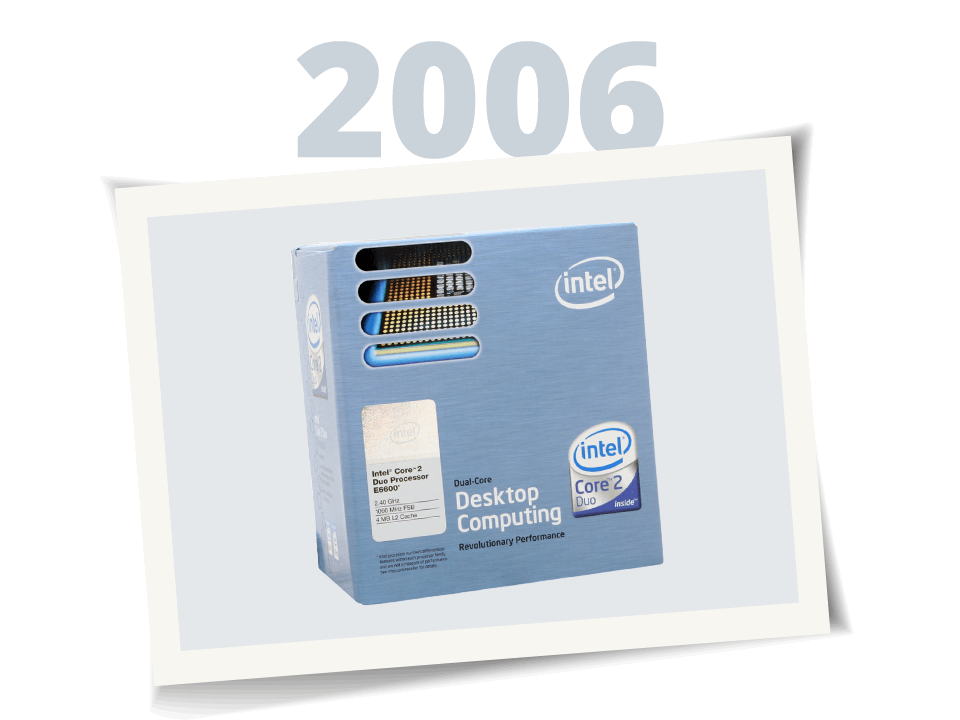
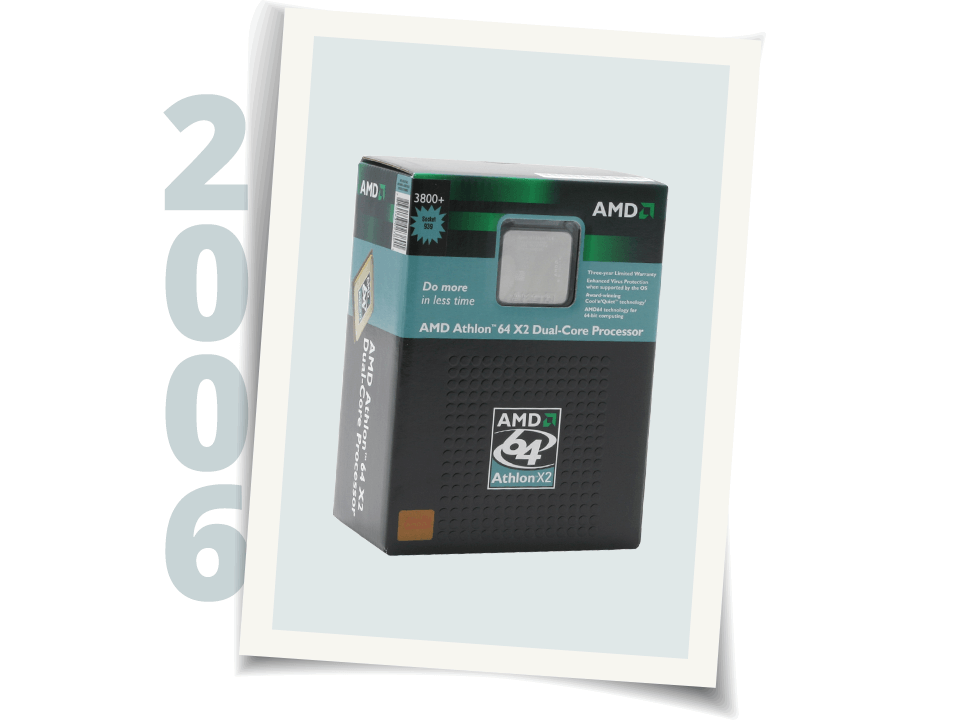
As far as the processor situation goes, the 3800 should be just fine. It is slower than Intel's new Core 2 Duo processors, but it is also quite a bit cheaper, especially when you take into acccount the cheapest motherboards that support Core 2 Duo are $150, whereas AM2 boards can be found around $100.
edit2: the 7600gt I was looking for : http://www.tigerdirect.com/applicati...285&CatId=1560Leave a comment:
-
Guest repliedRe: Recommend computer upgrades?
can someone explain to me what the difference between these three cards is???
they are all sapphire x850xt cards, but three different model numbers
Leave a comment:
-
Guest repliedRe: Recommend computer upgrades?
-NEW PROCESSOR - any intel core duo 2 that is good for u and affordable..
-NEW MOTHERBOARD - a intel core duo 2 mobo..
-NEW VIDEO CARD -witchever you want (7600gs is very nice until u upgrade again when Direct X10 comes out..)
-NEW RAM -witche ever one is affordable for you..
-NEW HARD DRIVE ( if only you find that 40gigs is good for you then dont add a new hard drive if not then get a good seagate, Western digital, Maxtor hard drive that is good for you!)
Again if you decide to pay a little more to get the intel core duo 2 you thinking long term here but if you decide to go for a AMD 3800+ your are going to be in the same position in 2 years from now and the 7600gs is a very good video card that will last you 1 2 years until direct x10 and you will be able to play all the games at High until the wait is over...Leave a comment:
-
Guest repliedRe: Recommend computer upgrades?
to save money how about 2 of these?Originally posted by schaef2k
would i need anything else to set up the RAID thing? how hard is that to do? i have no experience with that
can you recommend one since you have an idea of what my budget is and my system is now?and maybe a little more power on the video card if you have the budget.
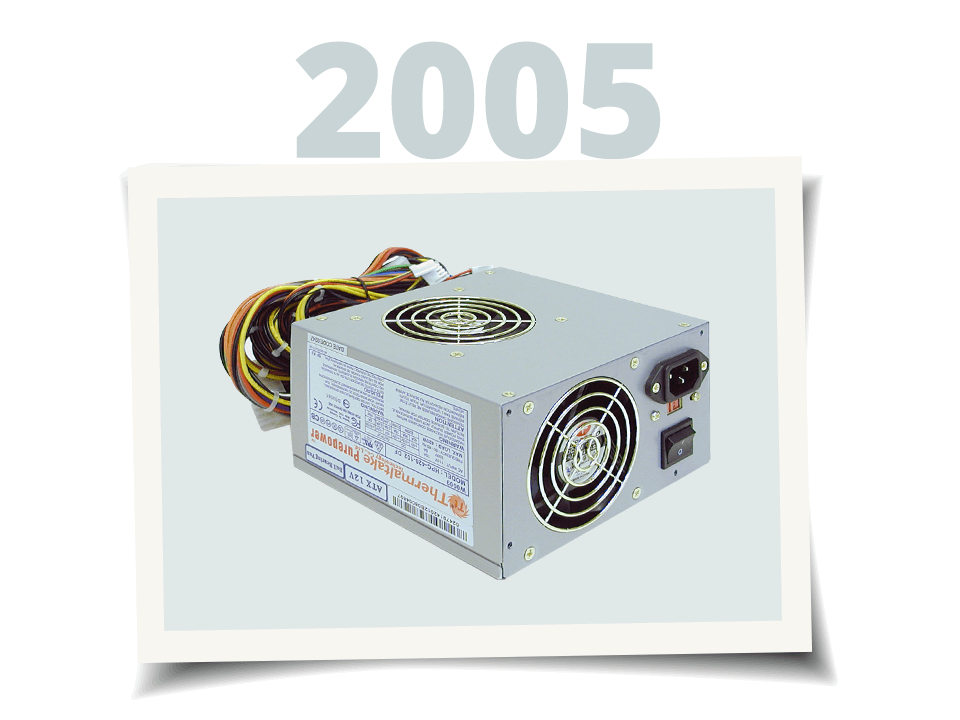
I have a 420W, do you think that will be good enough?Make sure you get a good power supply, a lot of people overlook this but a bad PSU will make you go insaine.
thanks again for everyone's input!
Leave a comment:
-
Guest repliedRe: Recommend computer upgrades?
I like the MSI board the best out of those three, the Epox doesn't list that it has dual core support and the ASUS is openbox and small as noted.Originally posted by drewbagel423
The CPU is nice. Good bang for the buck
You might want to look at getting 2 of those hard drives so you can set up RAID 0 on them (nice speed increase) and maybe a little more power on the video card if you have the budget.
Make sure you get a good power supply, a lot of people overlook this but a bad PSU will make you go insaine.
Over all I like it, should perform well.Leave a comment:
-
Re: Recommend computer upgrades?
All excellent choices. Not interested in SLI? (go Nvidia) As for the mobos, just in case you didn't notice, the ASUS is a MICRO ATX, are you cramped for space? The price is good but you loose a coupe PCI slots.
Leave a comment:
-
Guest repliedRe: Recommend computer upgrades?
okay, so i think i've got my mind made up on what i like, time for your comments:
Can't decide on a mobo tho:
TIA!Leave a comment:
-
Guest repliedRe: Recommend computer upgrades?
Ya I think we all go through this everytime we build unless you're an uber hardware geek that has to know all the latest and greatest. You have to do some research before you build.Originally posted by drewbagel423
Check these guys out. It's an overclocking forum but it has tons of info on builds. http://www.ocforums.com/
I usually start with finding a nice (fairly close to the latest and greatest) motherboard that has all the features I want and then match the CPU and RAM to that. The rest takes care of it'self (SATA, PCIe, RAID).Leave a comment:
-
Guest repliedRe: Recommend computer upgrades?
yeah i built the pc i use now, and if i went that way again i would have no problem building a new one... the problem is that i dont know what matches up to what anymore, PCIe this, AM2 that, GDDR over there, there's so much to keep track of and i don't know what boards are good and which ones aren'tLeave a comment:
-
Guest repliedRe: Recommend computer upgrades?
If you cant build your own pc, shoot yourself in the foot.Leave a comment:
-
Re: Recommend computer upgrades?
This wasn't mentioned but.....
If your looking for upgrades like the thread title says. A nice sound card will never go to waste. If your running onboard sound, and get even a base line X-Fi card you'll notice a big difference in sound. It will also lay off some of the load on your CPU.
It's PCI, and not changing slots anytime soon, so you can use it in the next build. I had my Soundblaster LIVE for 10 years. Vcards, HD's, ram came and went but that sound card made it in and out of every machine I built right up until this most recent one.
My last build (listed below) I was very busy at the time and checked out quite a few builders.Originally posted by drewbagel423
CyberPower
and
IbuyPower.com
had the smallest mark up for builds. I can't attest to their quality since I ended up doing it myself. Your still looking at $300.00-$400.00 more compared to building it yourself. Or at least that was the case with me when I crunched all the numbers betwen parts and their prices. More with other companies that offer all kinds of things like custom painted cases, and cutting edge technology.
I don't know 1/100th of what some of the people here know, but I build all my machines. The actual physical building of the machine is fairly simple. Be careful, plug things in the right places, read manuals. You don't have to understand CPU architecture to set the the thing in properly and pull the lever down..
If your planning on doing the upgrades your talking about your essentially doing 40% of a build, just not from the ground up. It's actually easier to install all the expansion card during a build then it is when your upgrading.
Canablize what you can from your old computer, spend the your money on parts and do the build yourself. There's an average of about $350.00 of the markup that you can now spend on parts.
Worse case scenario is you get stuck and bring it to some one to finish off the build. Even then at labor prices you'll still end up with money in your pocket.Leave a comment:
-
Guest repliedRe: Recommend computer upgrades?
I've never delt with them before. They do have very nice options for there systems but they are really not all that cheap. Compaired to Alienware, Dell or HP they are cheap with much better options though.Originally posted by drewbagel423
You could build a system yourself for about $350 cheaper than what they charge for the same thing. But then again you'll have to put it togetherLeave a comment:
-
Guest repliedRe: Recommend computer upgrades?
hey what do you guys think of this company??? their stuff seems really good and REALLY cheap!
Leave a comment:






Leave a comment: