Need some Tech help!

Collapse
X
 
  • Time
  • Show
Clear All
new posts
  • C77.Meyer

    #1

    Need some Tech help!

    Okay i have 1.5k -2k to spend on a new PC. Problem is im a total newb when it come to buying PC parts. any help would appreciated to help me build my new PC.Thanks.

    PC will be mainly for gameplay.
  • DaSniper079

    #2
    Re: Need some Tech help!

    Ok, since your fairly new to building PC's, I dont think you know how to overclock?

    If you did, you could save yourself a lot of money, so take a look at some guides.

    AMD dual-core is the way to go. I suggest the Opteron series due to the superb overclocking abilities.

    As for a GFX card, the 7900GTX is very fast, but a bit expensive.

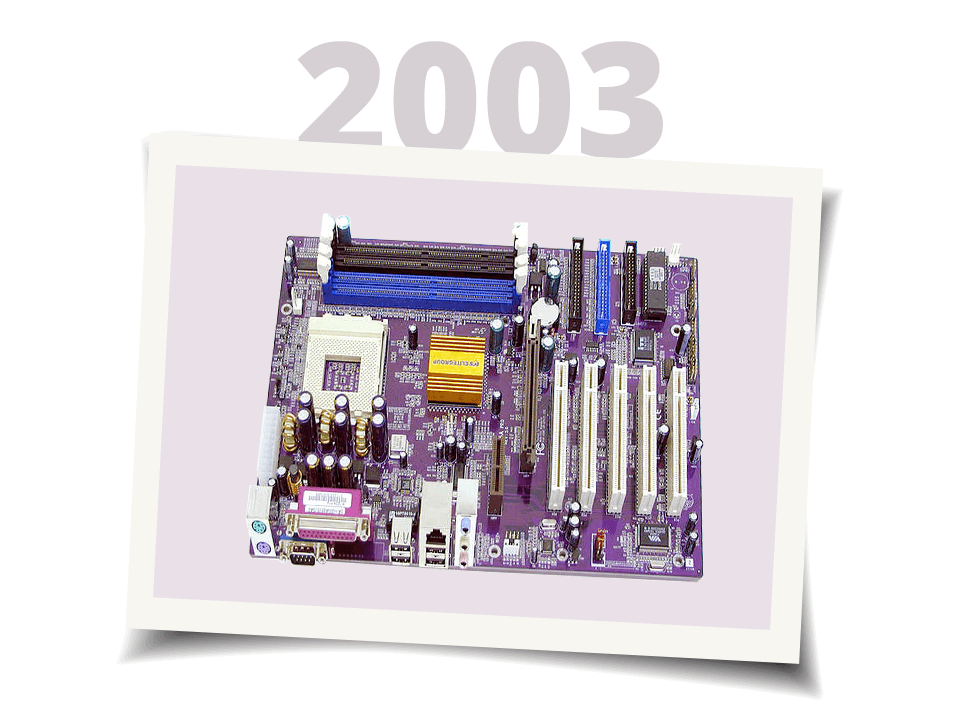
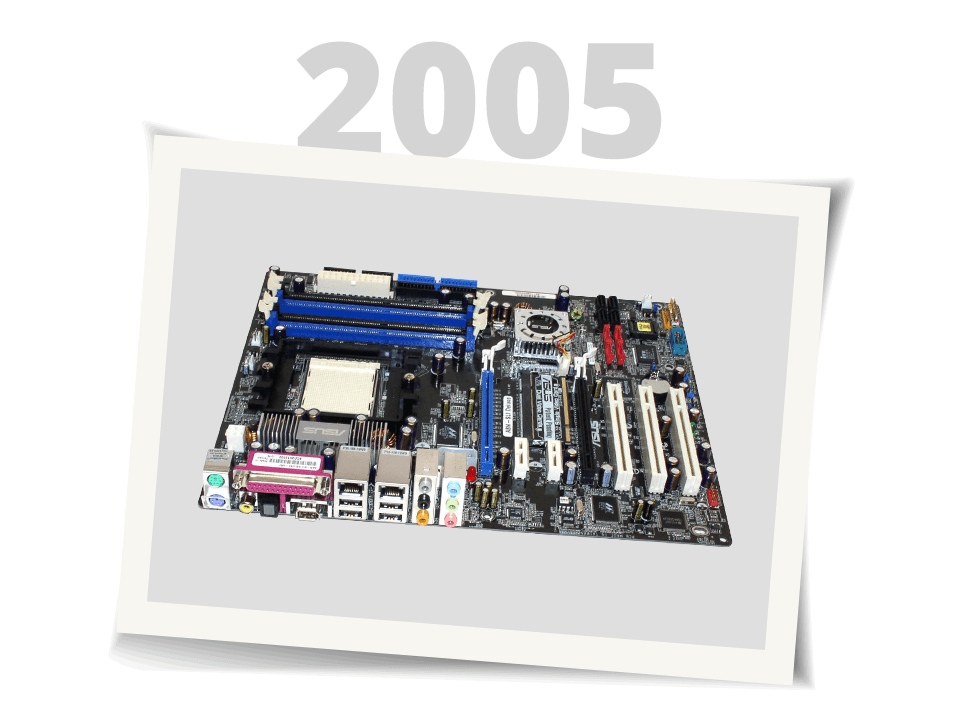
    Mobo's - You should get ASUS, DFI mobos have way more features that might confuse you.

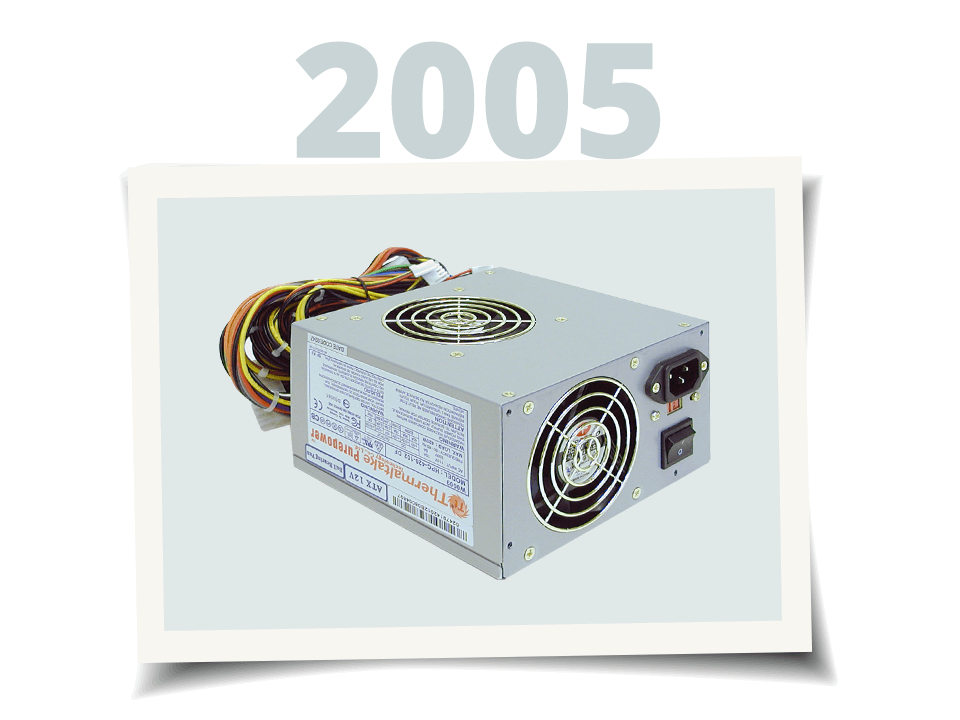
    Get 2 Gigs RAM, low-latency, a 600W PSU ( I suggest Tagan, the U22 580), and a Raptor HD ( I suggest the raptor X)

    Comment

    • Flanker

      #3
      Re: Need some Tech help!

      Case – Thermaltake Tsunami - $109.


      Processor – AMD Opteron 165 Denmark - $325.


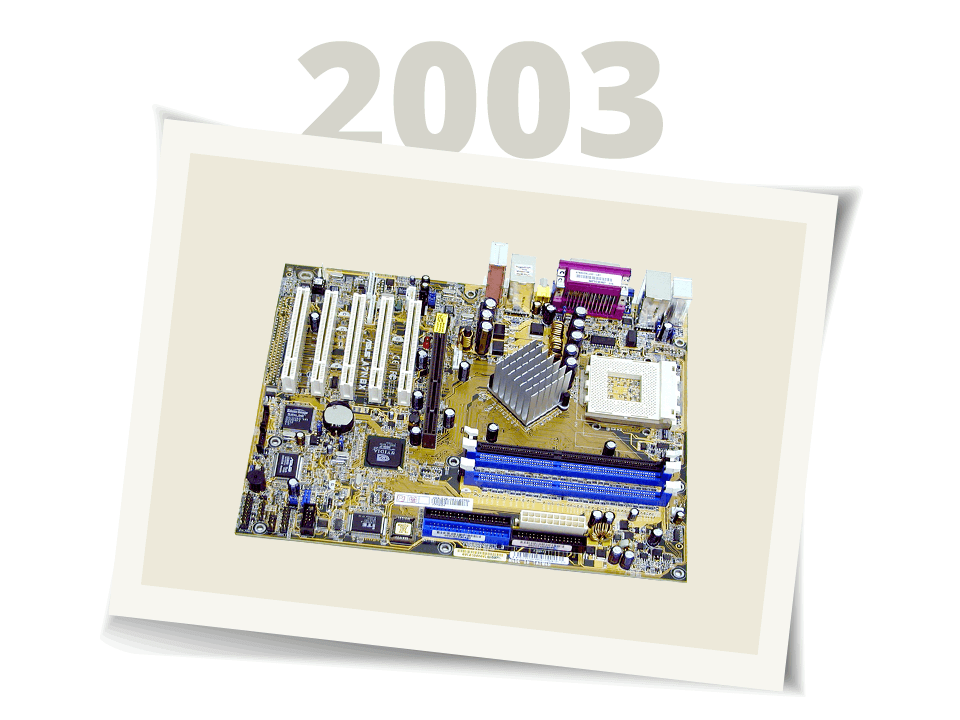
      Motherboard – DFI Lanparty nF4 SLI-DR Expert - $172.


      Memory – G.Skill Extreme Series DDR500 - $157.
      We’re sorry, but this page does not existing. Please visit our home page for more information.


      Hard Drive(s) – 250GB Seagate Barracuda SATA150 - $86.


      Hard Drive 2 - 74GB Western Digital Raptor 10K RPM - $160.


      Videocard – Powercolor Radeon X1900XT - $439.


      Soundcard – Creative X-Fi XtremeMusic - $122.


      Power Supply – Antec TruePower 2.0 550W - $100.
      We’re sorry, but this page does not existing. Please visit our home page for more information.


      Optical Drive(s) – LG Black CD/DVD Burner - $38.
      We’re sorry, but this page does not existing. Please visit our home page for more information.


      Floppy Drive – Samsung Black Floppy - $7.


      CPU Cooling – Zalman 9500 HSF - $64.


      Total – $1789.

      Thats about as good as it gets, I can't imagine making any changes to it. You can still add any peripherals you might want to since there's still quite a bit of room left in your budget.

      See you in 3 days after you get un-banned.

      Comment

      • C77.Meyer

        #4
        Re: Need some Tech help!

        I'm still here LOL. i left the message there to remind me not to play with my sig LOL.

        Ya i like that setup but why the 2nd HD?

        Comment

        • Sir. MatDef
          Member
          • Sep 2005
          • 2899

          #5
          Re: Need some Tech help!

          One is for the os and all your games, the other is for everything else.

          Comment

          • Flanker

            #6
            Re: Need some Tech help!

            The first hard drive is for storing all the "mass data." That means stuff like music, videos, pics, etc. All the stuff that over time accumulates and ends up really huge.

            The second hard drive, the Raptor, is one of the faster hard drives out there. You should install your Operating System (Windows) and most of your games on it. A fast hard drive means that whatever is on it will load faster. So Windows will start up faster, and generally will respond a whole lot faster. Also, game maps and all that good stuff will load faster too. It also helps if you've making videos while playing games (FRAPS) as a fast hard drive will record what you want faster and won't affect your FPS as much.

            Its purely an enthusiast thing to have a Raptor and you seem to have the money so...why not.

            Comment

            • Sir. MatDef
              Member
              • Sep 2005
              • 2899

              #7
              Re: Need some Tech help!

              Originally posted by Flanker
              The first hard drive is for storing all the "mass data." That means stuff like music, videos, pics, etc. All the stuff that over time accumulates and ends up really huge.

              The second hard drive, the Raptor, is one of the faster hard drives out there. You should install your Operating System (Windows) and most of your games on it. A fast hard drive means that whatever is on it will load faster. So Windows will start up faster, and generally will respond a whole lot faster. Also, game maps and all that good stuff will load faster too. It also helps if you've making videos while playing games (FRAPS) as a fast hard drive will record what you want faster and won't affect your FPS as much.

              Its purely an enthusiast thing to have a Raptor and you seem to have the money so...why not.
              This is what I was gonna say, if I weren't so lazy and actually felt like typing it out. Thanks flanker.

              Comment

              • C77.Meyer

                #8
                Re: Need some Tech help!

                Ya seriously thanks guys.I really appreciate you taking your time and giving me a good solid answer.Thanks.

                Comment

                • DaSniper079

                  #9
                  Re: Need some Tech help!

                  You think he can handle OCing with a DFI?

                  Comment

                  • Flanker

                    #10
                    Re: Need some Tech help!

                    Anyone can OC. I couldn't tell HTT from LDT when I first started out. A couple of guides later...well the 2.7GHz overclock speaks for itself.

                    Comment

                    • knghtwhosaysni

                      #11
                      Re: Need some Tech help!

                      I like Flanker's earlier rcommendation, just keep in mind that you still need an operating system. I would recommend Windows XP Home. Also, I don't think you would need an SLI board if you're getting an ATI card. ATI's 3200 chipset is good if you want two PCIx16 slots for Crossfire, otherwise I would just save some bucks and get a single PCIx16 slot board.

                      Comment

                      • Flanker

                        #12
                        Re: Need some Tech help!

                        I just picked the Expert because its a quality motherboard, but yea, a single PCI-E board should be fine, though one could keep the second PCI-E slot for future upgradability.

                        Comment

                        • lonegunm4n

                          #13
                          Re: Need some Tech help!

                          Originally posted by Flanker
                          Anyone can OC. I couldn't tell HTT from LDT when I first started out. A couple of guides later...well the 2.7GHz overclock speaks for itself.
                          yea, I was the same way! There are so many out there, that you could pretty much learn how to do it in an afternoon!

                          Comment

                          • Flanker

                            #14
                            Re: Need some Tech help!

                            Yes, there are a lot of them out there, but I'm sad to see that a lot of them wouldn't be of any help to a beginner at all. If its a good guide, then its often very very complicated. I remember looking at some of them way back when and I was like, "What the heck are these people talking about?!" And ofcourse without knowing how to get into the BIOS, what the HTT was, what vcore means, and what the LDT multiplier was, I had no hope of understanding those guides.

                            Not to say that there aren't some very nice, newbie-friendly guides out there, there are.

                            Comment

                            Working...