September 15, 2025 Seamlessly Access Your Gaming Library, Apps, and Play History in One Place with Xbox on Windows PCs and Handheld
- Jason Beaumont, VP of Experiences, Xbox
Summary
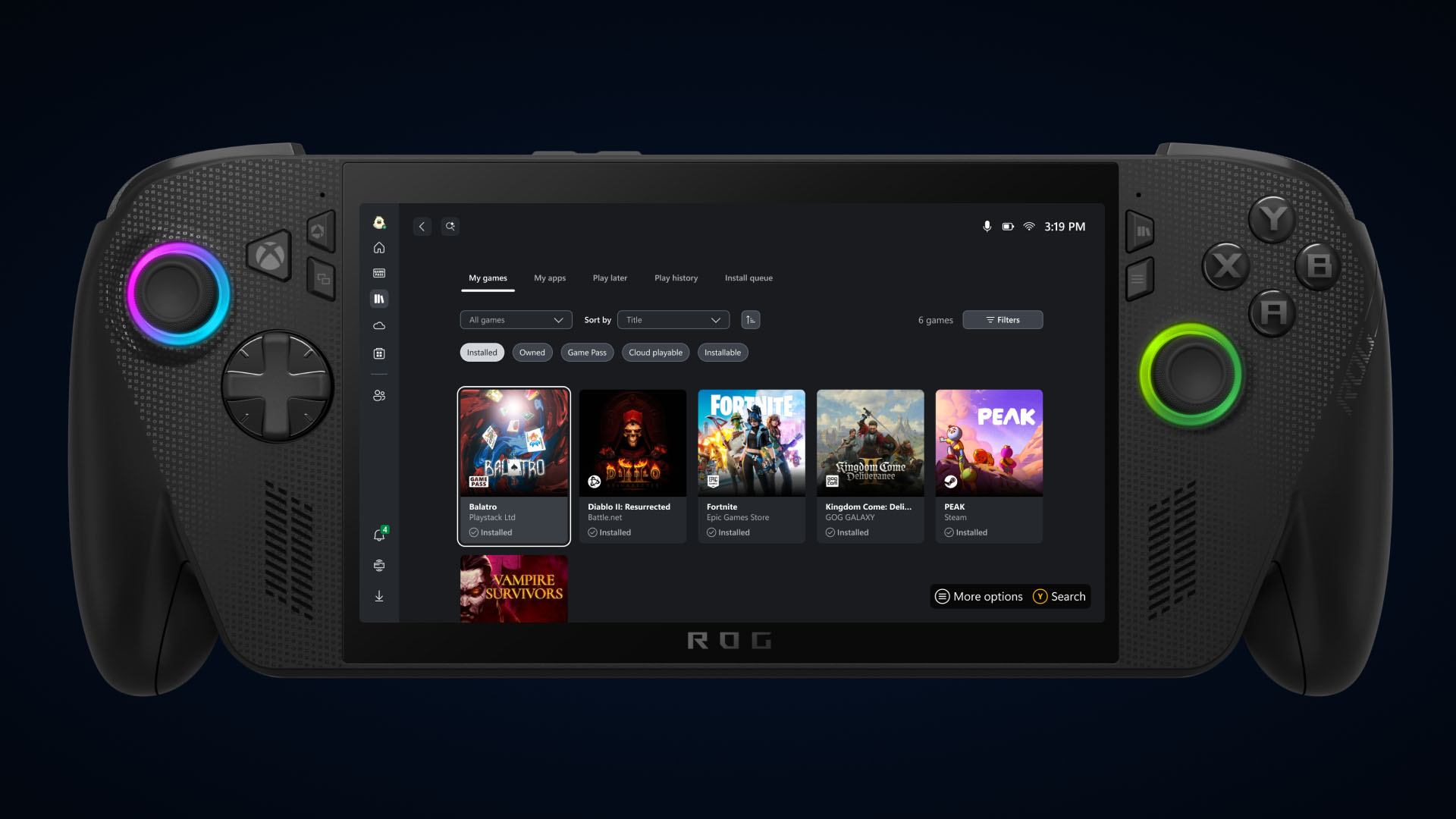
- Xbox is bringing your gaming library, select third-party apps, and PC storefronts together in one convenient place.
- Everyone now has access to the new aggregated gaming library.
- Coming soon, everyone will be able to access their cloud-playable titles and play history across all devices.
Starting today, we’re excited to share that new updates are rolling out for Xbox on PC and handheld that make it easier to launch and manage your games and apps – all in one place.
In response to feedback we’ve heard from Xbox Insiders and our community, we’ve introduced several new features to enhance your gaming experience on Windows PCs and handhelds. The aggregated gaming library, cross-device play history, and updated app functionality give you more control over how and where you play, helping you quickly jump back into the games you love.
Aggregated Gaming Library to Launch Your Games
 class="lightbox-trigger"
type="button"
aria-haspopup="dialog"
aria-label="Enlarge image: Aggregated Gaming Library Asset"
data-wp-init="callbacks.initTriggerButton"
data-wp-on-async--click="actions.showLightbox"
data-wp-style--right="context.imageButtonRight"
data-wp-style--top="context.imageButtonTop"
>
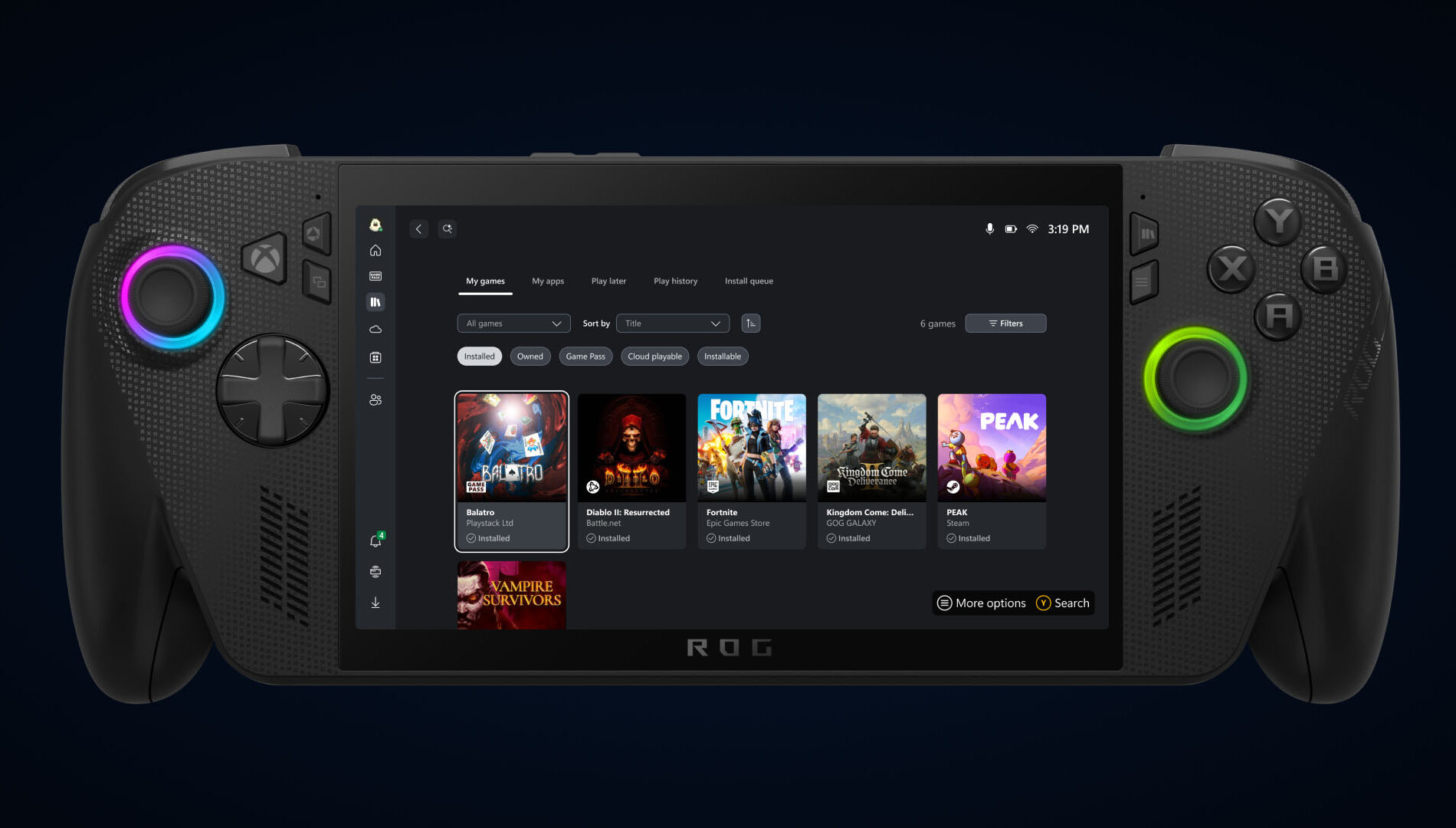
Bring your game collection together with the new aggregated gaming library that shows your installed games from multiple PC storefronts, including your Xbox library, Xbox Game Pass, Battle.net and other leading PC storefronts, making it easier than ever to access your games in one place, whether you’re on a Windows PC or handheld device.
When you install a game from a supported PC storefront, it automatically appears in “My Library” within the Xbox PC app, as well as the “Most Recent” list of titles in the sidebar, so you can jump back into your favorite games with just a click.
Control What You See in Your Library
Games installed from supported PC storefronts will automatically appear in My Library and in the Most Recent section of the Xbox PC app.
Prefer a more simplified view?
- Select your profile picture
- Head to Settings
- Go to Library & Extensions
- Find the storefronts listed
- Toggle any listings you’d prefer not to see
Once disabled, those titles will no longer appear in your library, giving you full control over how your library looks and feels.
Get to other PC Storefronts Faster with My Apps
 class="lightbox-trigger"
type="button"
aria-haspopup="dialog"
aria-label="Enlarge image: PC Storefronts with My Apps Asset"
data-wp-init="callbacks.initTriggerButton"
data-wp-on-async--click="actions.showLightbox"
data-wp-style--right="context.imageButtonRight"
data-wp-style--top="context.imageButtonTop"
>
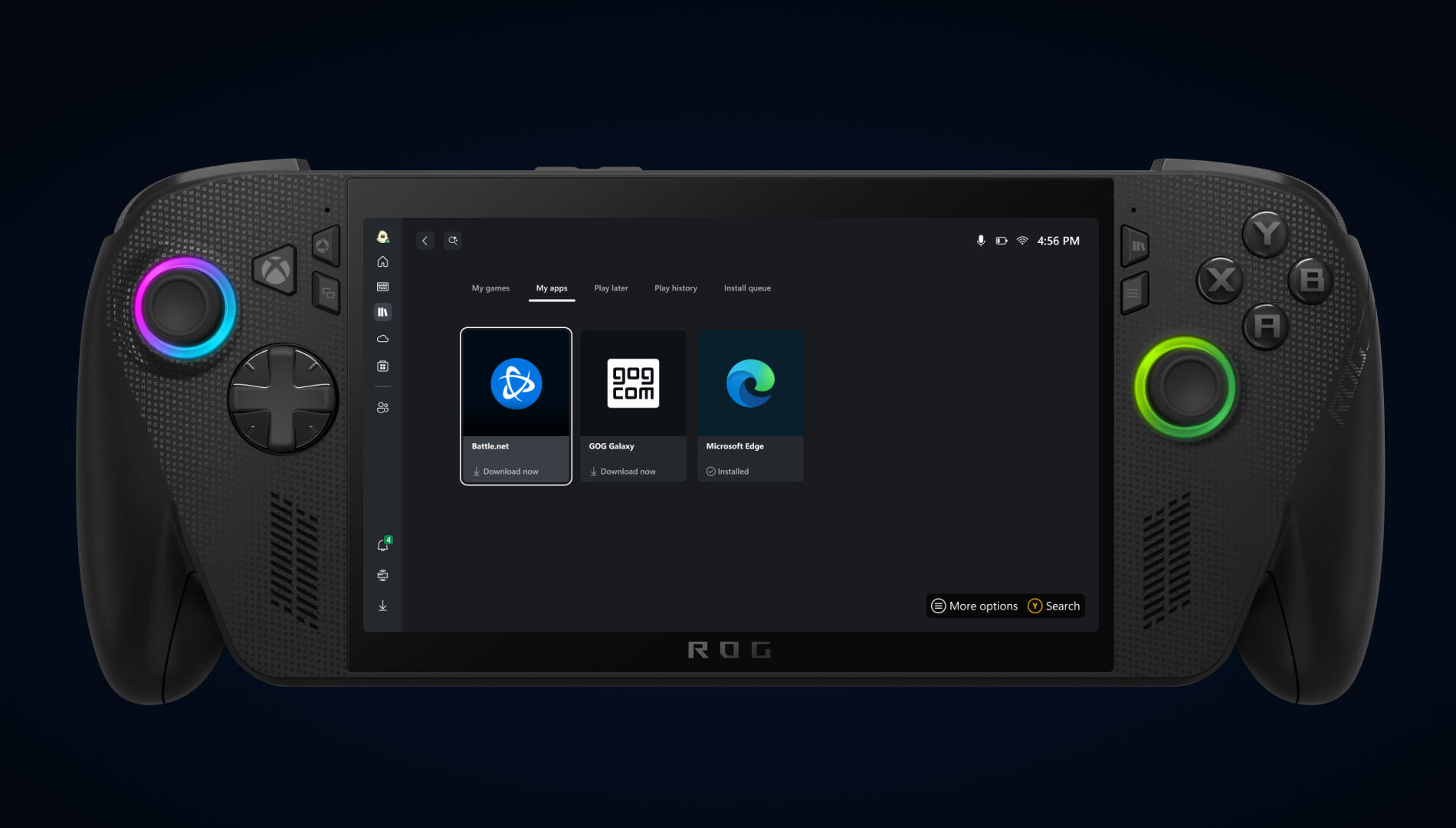
This new tab in my library brings third-party apps and storefronts together in one convenient place, supporting the aggregated gaming library so you can find, download, and launch games from multiple locations, without switching between apps or your desktop.
Just Pick Up and Play
 class="lightbox-trigger"
type="button"
aria-haspopup="dialog"
aria-label="Enlarge image: Just Pick Up and Play Asset"
data-wp-init="callbacks.initTriggerButton"
data-wp-on-async--click="actions.showLightbox"
data-wp-style--right="context.imageButtonRight"
data-wp-style--top="context.imageButtonTop"
>
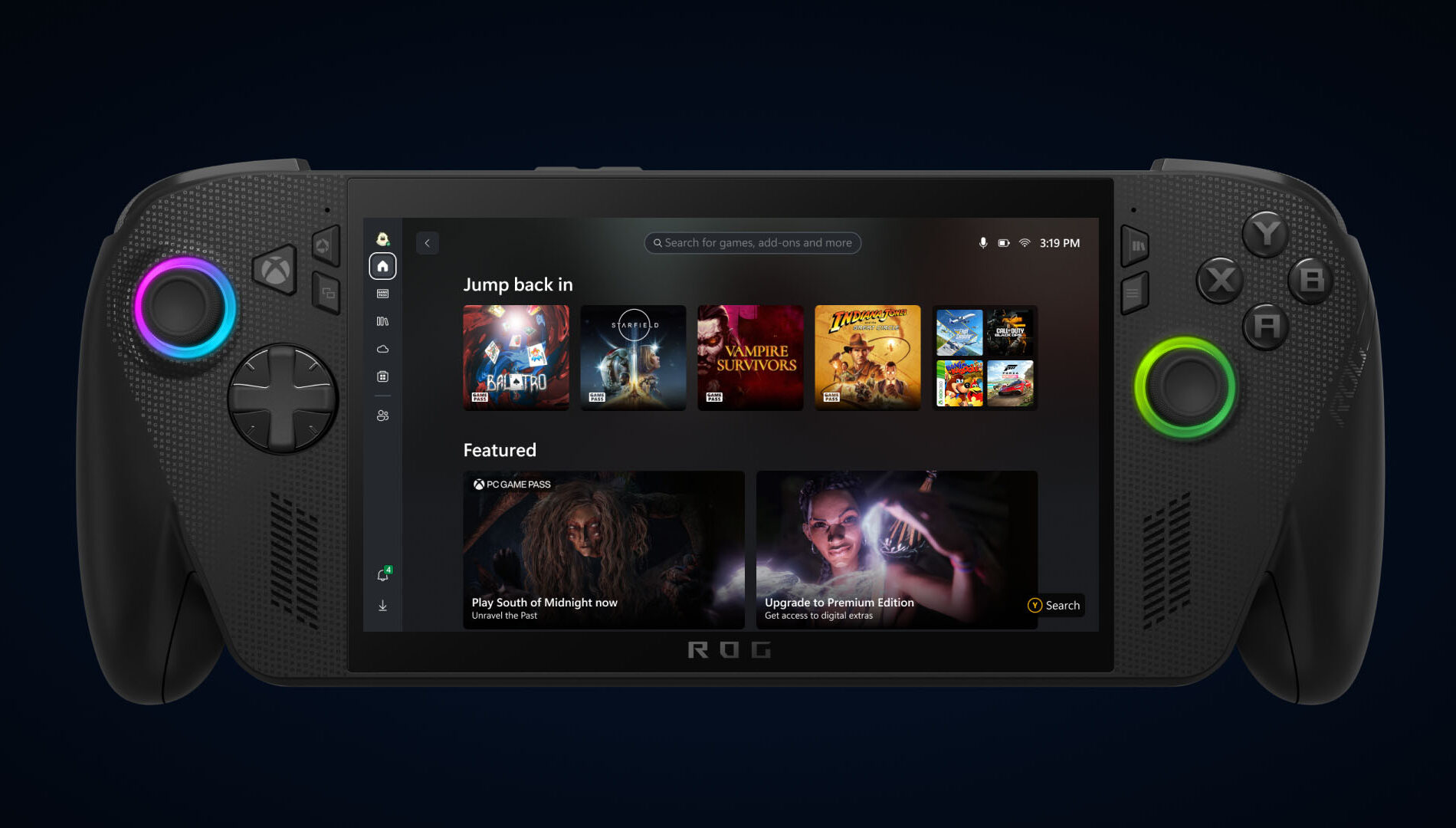
Coming later in September your cloud-playable games and game play history will follow you across all your devices.
To find out which games are cloud playable, select the “cloud playable” filter in “My games” to view your catalog of supported titles.
Once this feature is released, look for the “Jump back in” list on the Home screen of your console, PC, or handheld to find your recent play history and pick up where you left off.
Help Shape the Future of Xbox
Stay tuned to Xbox Wire for future updates and the latest and greatest Xbox news. For support related to Xbox updates, visit the official Xbox Support site.
Related Stories for “Seamlessly Access Your Gaming Library, Apps, and Play History in One Place with Xbox on Windows PCs and Handheld”
 ¡Somos El Futuro! Celebrating Hispanic Heritage Month with Xbox
 Xbox Cloud Gaming (Beta) Coming to Select Vehicles in Partnership with LG
 Xbox Returns to Tokyo Game Show 2025 – Here’s How to Tune In
The post Seamlessly Access Your Gaming Library, Apps, and Play History in One Place with Xbox on Windows PCs and Handheld appeared first on Xbox Wire.
More...